

Podcast Research and Writing Services: How to Hire
A practical guide to hiring podcast research and writing services for episode prep, outlines, questions, scripts, show notes, and repurposed content.
Last updated May 25, 2026. Comparison guidance is current as of 2026.
Summary
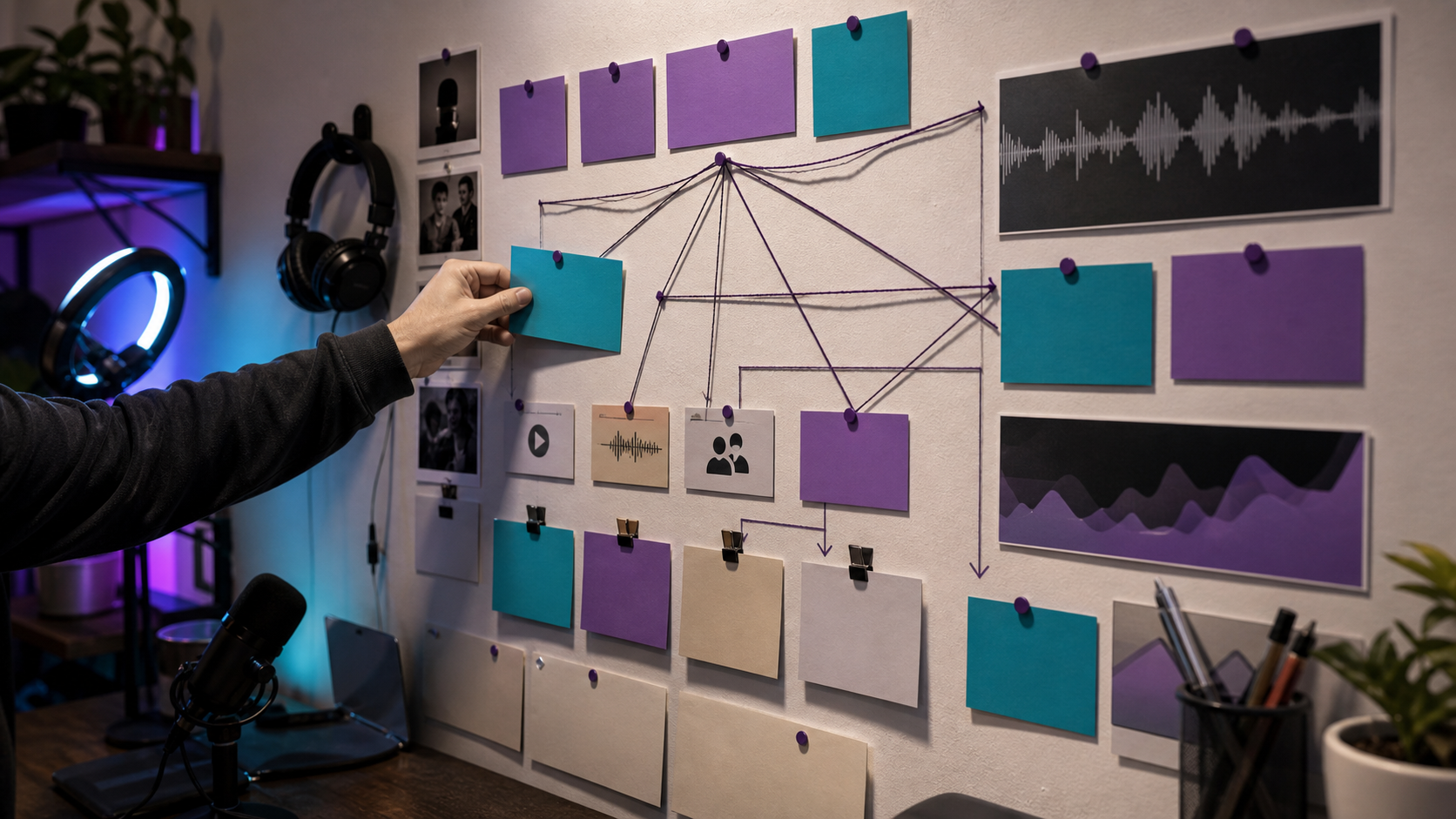
Hire podcast research and writing services when your episodes need stronger prep, sharper questions, better outlines, clearer show notes, or more useful repurposed content. The best providers improve the substance of the episode before recording and the usefulness of the assets after recording.
Look for audience understanding, source quality, clear writing, and the ability to turn one episode into multiple formats.
Table of contents
- Quick Answers
- What Research and Writing Services Include
- What to Ask Before Hiring
- How to Review a Sample
- Deliverables to Request
- FAQ
Quick answers
- What do podcast research services do? They prepare topics, guest background, source notes, questions, angles, and episode structure.
- What do podcast writing services do? They write outlines, scripts, intros, show notes, summaries, newsletters, clips, and blog drafts.
- Where does Znippet fit? Znippet helps turn researched and recorded episodes into captioned clips and social-ready assets.
What Research and Writing Services Include
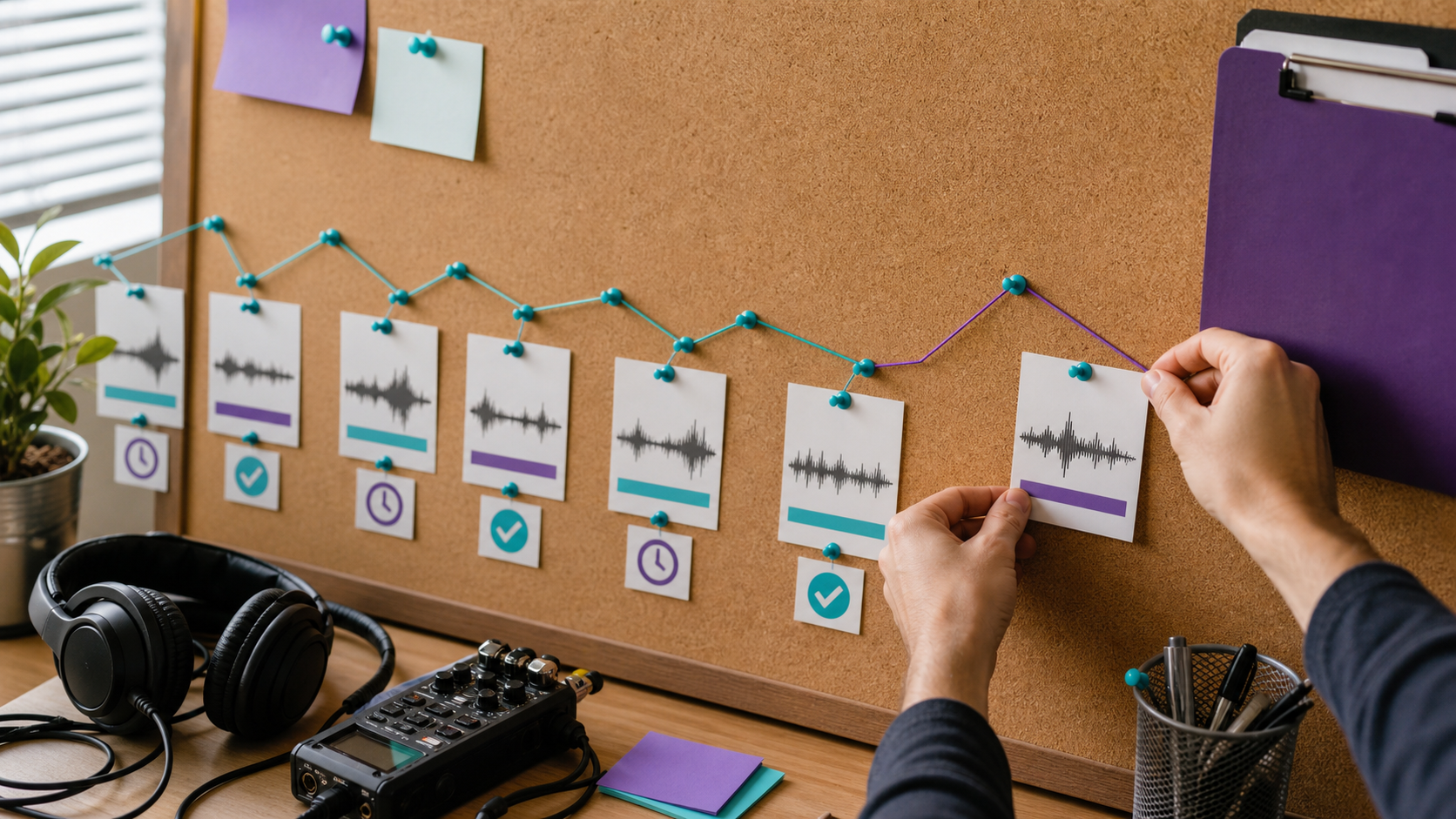
Podcast research and writing can happen before and after recording. Before recording, the provider may create guest briefs, topic research, interview questions, segment outlines, and host notes. After recording, they may write show notes, summaries, timestamps, social posts, newsletters, and blog drafts.
The best service gives the host better material without making the conversation sound scripted. For repurposing, pair the writing process with the podcast-to-blog guide, the AI Shorts Maker, and the For Podcasters page.
What to Ask Before Hiring
Ask these questions:
- What sources do you use, and how do you verify them?
- Can you write for our audience and host voice?
- Do you prepare interview questions that produce specific answers?
- Can you identify clips and social angles from the same episode?
- How do you handle technical, regulated, or sensitive topics?
For platform publishing, the writer should understand where show notes and metadata are used. Apple's podcast requirements are useful for podcast metadata, and YouTube's podcast guidance matters when episodes are also published as video.
How to Review a Sample
Give the provider one topic or one past episode and ask for a short sample package: episode angle, research notes, five questions, title options, description, and three clip ideas.
Evaluate whether the sample is specific. Generic questions usually create generic episodes. Strong research points to tension, examples, disagreements, numbers, and stories the host can explore.
If the provider will support content distribution, ask how they would connect their writing with captions and silence removal, the content repurposing workflow, and your pricing or conversion page.
Deliverables to Request
A useful package can include:
- Research brief with source links.
- Episode thesis and target listener question.
- Segment outline.
- Interview questions.
- Intro and outro notes.
- Show notes and summary.
- Clip ideas with timestamps after recording.
- Blog or newsletter draft.
If you use Adobe tools for deeper audio work, Adobe's Audition user guide can help writers understand how production teams discuss audio cleanup and editing stages.
Also ask for a lightweight fact-checking note when the episode covers health, finance, legal, technical, or industry-specific claims. The note does not need to be long, but it should show which claims came from the guest, which came from research, and which ones need host approval before publishing.
Match the writer to the distribution plan
A podcast writer who only prepares interview questions may be enough for a simple conversation show. If the episode also needs clips, blog posts, newsletters, and social captions, hire someone who understands how research turns into multiple assets. The brief should explain the audience, the offer, the channels, and the level of source checking expected.
This is where the writing role connects with repurposing. A strong outline makes the recording easier to edit, and clear segment notes help tools and editors find the best moments later. Znippet can help with short-form discovery, but better source structure gives the tool and the human reviewer stronger material to work from.
Ask the writer to show one past example where a researched episode became more than an audio file. Good signs include timestamped clip ideas, a blog structure, guest quote options, and platform-specific captions. That proves they understand distribution, not just drafting.
FAQ
Should a podcast writer create the full script?
For narrative shows, yes. For interview shows, a structured outline and strong questions usually work better than a full script.
How much research is enough?
Enough research gives the host context, tension, examples, and follow-up paths. It should not bury the host in notes they cannot use during the conversation.
Can one provider handle research, writing, and clips?
Yes, but test each skill separately. Strong writing does not always mean strong clip judgment or platform knowledge.
Sources and further reading
Background links used to check product details, terminology, and practical context.
- Runway official website
Runway
Used as background context for product details, platform requirements, or workflow comparison.
- Pika official website
Pika
Used as background context for product details, platform requirements, or workflow comparison.
- Kling AI official website
Kling
Used as background context for product details, platform requirements, or workflow comparison.
- Canva official website
Canva
Used as background context for product details, platform requirements, or workflow comparison.
- Adobe Premiere Pro
Adobe
Used as background context for product details, platform requirements, or workflow comparison.
- OpusClip official website
OpusClip
Used as background context for product details, platform requirements, or workflow comparison.
- vidyo.ai official website
vidyo.ai
Used as background context for product details, platform requirements, or workflow comparison.
- Descript official website
Descript
Used as background context for product details, platform requirements, or workflow comparison.
- VEED official website
VEED
Used as background context for product details, platform requirements, or workflow comparison.
- Kapwing official website
Kapwing
Used as background context for product details, platform requirements, or workflow comparison.
- Submagic official website
Submagic
Used as background context for product details, platform requirements, or workflow comparison.
- Captions official website
Captions
Used as background context for product details, platform requirements, or workflow comparison.
- CapCut official website
CapCut
Used as background context for product details, platform requirements, or workflow comparison.
- Riverside official website
Riverside
Used as background context for product details, platform requirements, or workflow comparison.
- Apple Podcasts requirements
Apple
Used as background context for product details, platform requirements, or workflow comparison.
- Create a podcast on YouTube
YouTube Help
Used as background context for product details, platform requirements, or workflow comparison.
- YouTube Shorts creation help
YouTube Help
Used as background context for product details, platform requirements, or workflow comparison.
- Captions and subtitles
W3C Web Accessibility Initiative
Used as background context for product details, platform requirements, or workflow comparison.
- Advertising and marketing guidance
Federal Trade Commission
Used as background context for product details, platform requirements, or workflow comparison.
Keep comparing workflows
Related comparison guides
For podcast makers
Turn long-form footage into publishable clips
Use Znippet AI Shorts Maker to find strong moments, add readable captions, remove dead air, and export clips for Shorts, Reels, TikTok, and social channels.