

How to Build a Podcast Production Team
Build a podcast production team with clear roles for strategy, hosting, producing, editing, design, publishing, promotion, and repurposing.
Last updated May 25, 2026. Comparison guidance is current as of 2026.
Summary
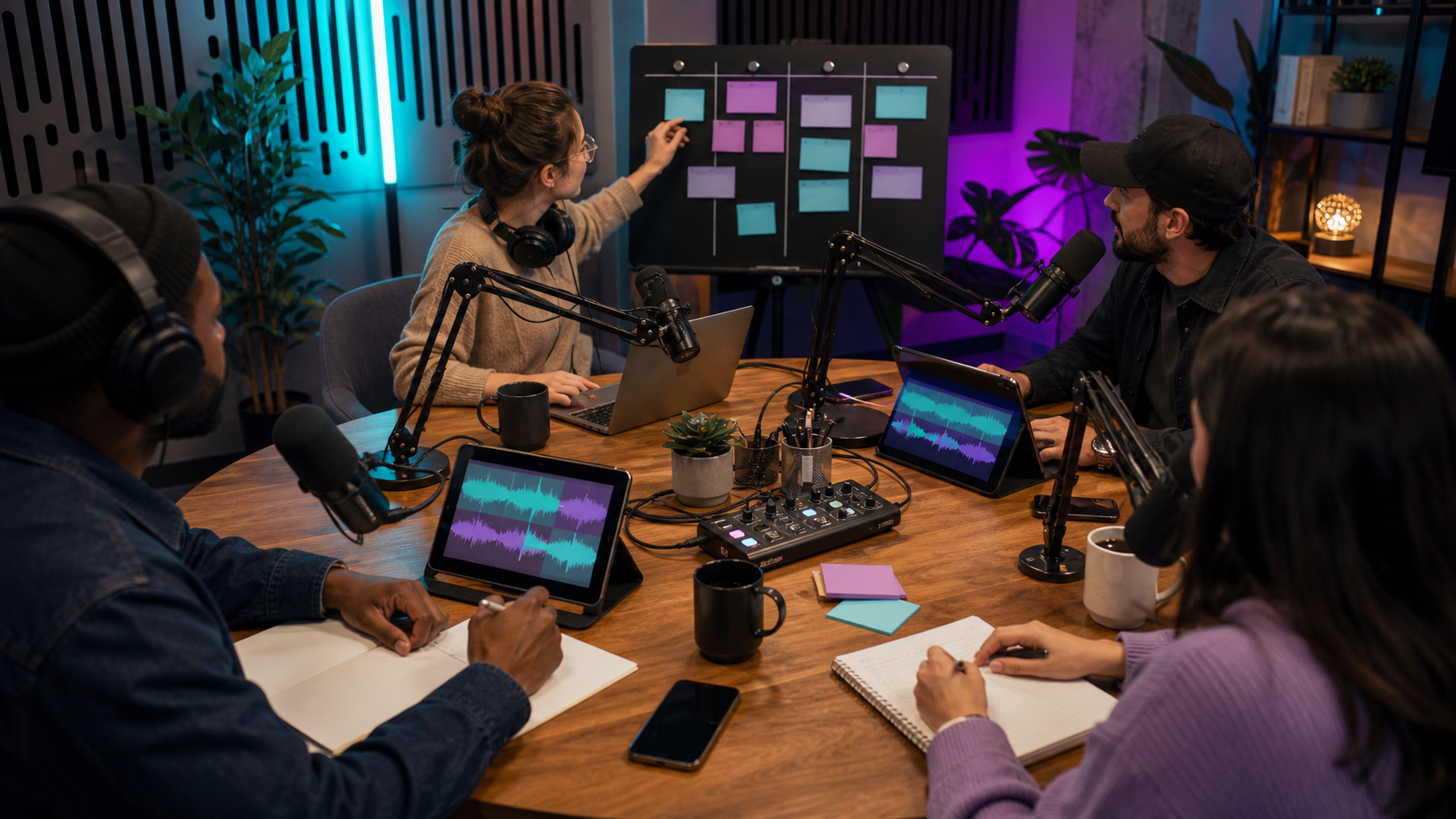
To build a podcast production team, assign clear ownership for strategy, hosting, production management, editing, design, publishing, promotion, and repurposing. A small team can start with one host, one producer, and one editor. Larger shows can add guest booking, video editing, social content, analytics, and sponsor operations.
The goal is not to add headcount first. The goal is to remove bottlenecks. A good team turns each episode into a reliable workflow that can support audio, video, clips, blog posts, and social content through tools like for podcasters, the AI Shorts Maker, and content repurposing workflows.
Table of contents
- Quick answers
- Start with the production outcome
- Core podcast production roles
- Small team structure
- Larger team structure
- Handoff rules that prevent delays
- Znippet POV
- FAQ
Quick answers
- What roles does a podcast team need first? Host, producer, and editor. One person can cover multiple roles at the start.
- When should you add specialists? Add specialists when one role is blocking consistency, quality, or promotion.
- What should the team optimize for? A repeatable release process, clear approvals, clean audio, useful clips, and reliable publishing.
Start with the production outcome
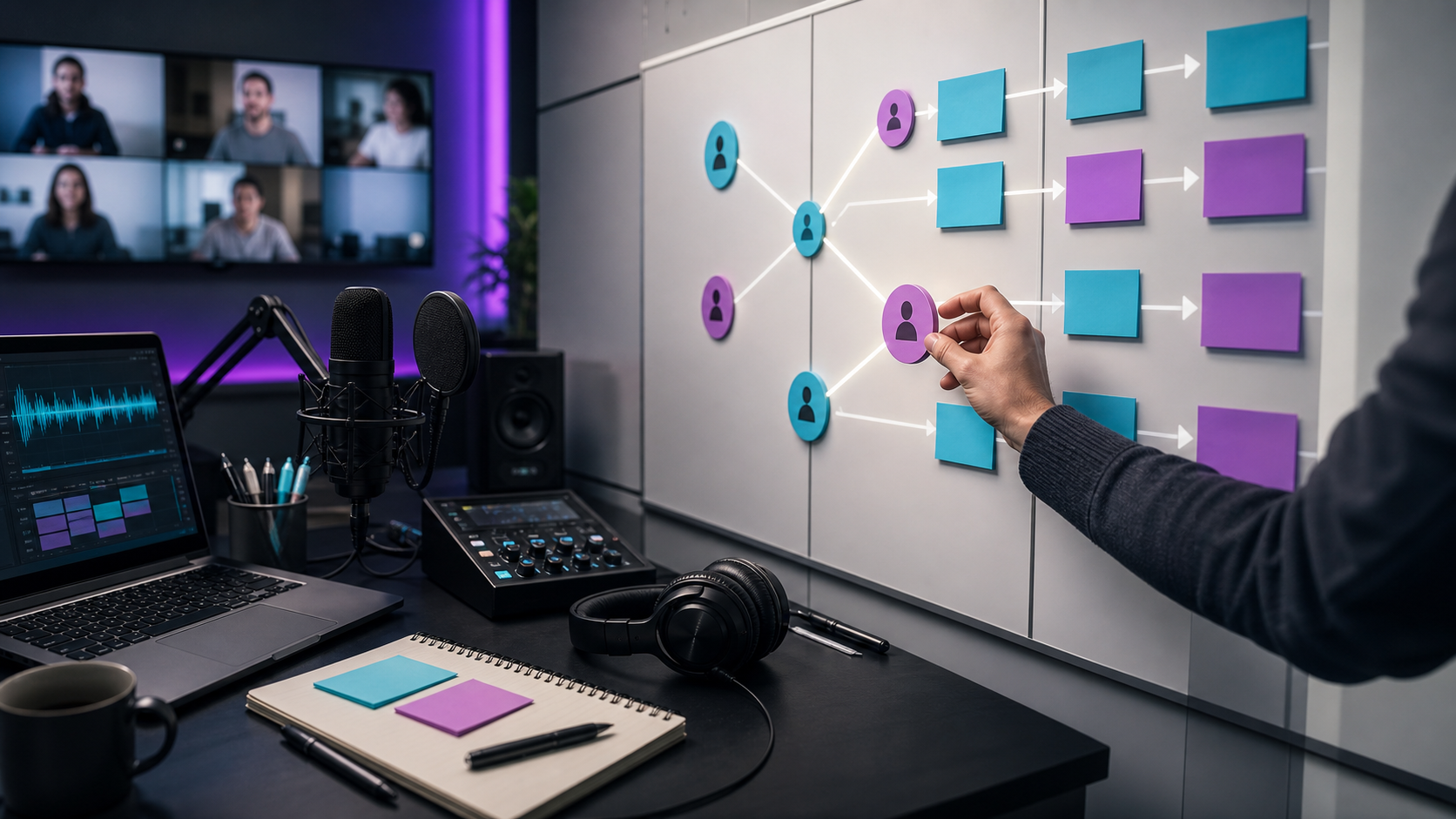
Before hiring or assigning roles, define what each episode must become. A simple audio podcast needs fewer roles than a video podcast that produces YouTube episodes, Shorts, Reels, LinkedIn clips, newsletters, and blog posts.
Decide:
- Episode frequency.
- Audio-only or video.
- Guest or solo format.
- Publishing platforms.
- Number of clips per episode.
- Written assets, such as show notes or blog posts.
- Approval deadlines.
- Success metrics.
If YouTube is part of the channel mix, review YouTube's podcast setup guidance. For Apple Podcasts distribution, Apple's podcast requirements help define artwork and metadata basics.
Core podcast production roles
Most teams need these responsibilities, even if one person covers several:
- Host: Owns the voice, interviews, point of view, and audience relationship.
- Producer: Owns planning, guest prep, episode flow, timeline, and final delivery.
- Editor: Cleans audio or video, improves pacing, fixes mistakes, and exports finished files.
- Designer: Creates cover art, thumbnails, templates, or social visuals.
- Publisher: Uploads the episode, checks metadata, schedules posts, and verifies links.
- Social producer: Turns the episode into clips, captions, posts, and platform-specific assets.
- Analytics owner: Reviews performance and feeds insights back into topics and formats.
For repurposing-heavy shows, connect production with how to turn podcast episodes into blog posts and social content.
Small team structure
A lean podcast team can work with three owners:
- Host and strategist: Chooses topics, records, approves final assets.
- Producer: Manages the calendar, guests, files, show notes, publishing, and review process.
- Editor or production partner: Handles cleanup, pacing, exports, clips, and captions.
This setup works when roles are documented. Without documentation, the producer becomes the memory for the whole show and delays start to stack up.
Larger team structure
A larger team may separate:
- Booking and guest communication.
- Audio editing.
- Video editing.
- Clip creation.
- Thumbnail design.
- Newsletter writing.
- Blog writing.
- Paid promotion.
- Sponsorship operations.
- Analytics and reporting.
This structure is useful for shows connected to a company, media brand, creator business, or agency. It also helps when podcast output feeds multiple channels and campaigns.
Handoff rules that prevent delays
Use simple handoff rules:
- Raw files are uploaded within 24 hours of recording.
- The producer labels files by show, episode, date, and speaker.
- The editor receives notes, ad reads, intro rules, and deadline in one place.
- The first edit has one review owner.
- Clip requests are approved before final export.
- Publishing copy is reviewed separately from audio edits.
- Final metadata is checked against platform requirements.
For budget planning and tool choices, compare your required output against pricing. If video clips are part of the plan, captions and silence removal can help define the editing standard.
Znippet POV
The strongest podcast teams treat repurposing as part of production, not as an afterthought after the episode is live. Decide who owns clip selection, captions, approvals, and platform exports before recording starts. Znippet fits when the team wants one recording to become usable short-form assets without asking the editor, marketer, and host to rebuild the same context in separate tools.
FAQ
How many people do you need to produce a podcast?
You can produce a simple podcast with one person, but a reliable business podcast usually works better with at least a host, producer, and editor. One person can still cover multiple roles if the process is clear.
What should a podcast producer own?
A producer should own the production calendar, episode prep, handoffs, quality control, and delivery process. They may also manage show notes, publishing, guests, and clip planning.
Should podcast editing be in-house or outsourced?
Use in-house editing when speed, brand knowledge, and tight collaboration matter. Outsource when the team lacks editing capacity or needs specialist audio, video, or clip production.
Who approves the final podcast episode?
One person should approve the final episode. Multiple reviewers can give notes, but a single final owner prevents conflicting feedback and missed deadlines.
How do podcast teams improve over time?
Review analytics, listener feedback, edit notes, clip performance, and production delays every few episodes. Then adjust topics, format, handoff rules, and promotion.
Sources and further reading
Background links used to check product details, terminology, and practical context.
- Runway official website
Runway
Used as background context for product details, platform requirements, or workflow comparison.
- Pika official website
Pika
Used as background context for product details, platform requirements, or workflow comparison.
- Kling AI official website
Kling AI
Used as background context for product details, platform requirements, or workflow comparison.
- Canva official website
Canva
Used as background context for product details, platform requirements, or workflow comparison.
- Adobe Premiere Pro official product page
Adobe
Used as background context for product details, platform requirements, or workflow comparison.
- Adobe Audition user guide
Adobe
Used as background context for product details, platform requirements, or workflow comparison.
- OpusClip official website
OpusClip
Used as background context for product details, platform requirements, or workflow comparison.
- vidyo.ai official website
vidyo.ai
Used as background context for product details, platform requirements, or workflow comparison.
- Descript official website
Descript
Used as background context for product details, platform requirements, or workflow comparison.
- VEED official website
VEED
Used as background context for product details, platform requirements, or workflow comparison.
- Kapwing official website
Kapwing
Used as background context for product details, platform requirements, or workflow comparison.
- Submagic official website
Submagic
Used as background context for product details, platform requirements, or workflow comparison.
- Captions official website
Captions
Used as background context for product details, platform requirements, or workflow comparison.
- CapCut official website
CapCut
Used as background context for product details, platform requirements, or workflow comparison.
- Riverside official website
Riverside
Used as background context for product details, platform requirements, or workflow comparison.
- Apple Podcasts requirements
Apple Podcasts for Creators
Used as background context for product details, platform requirements, or workflow comparison.
- YouTube Help: Create a podcast on YouTube
YouTube Help
Used as background context for product details, platform requirements, or workflow comparison.
- YouTube Help: Create YouTube Shorts
YouTube Help
Used as background context for product details, platform requirements, or workflow comparison.
- YouTube Help: Altered or synthetic content disclosure
YouTube Help
Used as background context for product details, platform requirements, or workflow comparison.
- YouTube Help: YouTube channel monetization policies
YouTube Help
Used as background context for product details, platform requirements, or workflow comparison.
- W3C: Captions and subtitles
W3C
Used as background context for product details, platform requirements, or workflow comparison.
- FTC: Advertising and marketing guidance
Federal Trade Commission
Used as background context for product details, platform requirements, or workflow comparison.
Keep comparing workflows
Related comparison guides
For podcast makers
Turn long-form footage into publishable clips
Use Znippet AI Shorts Maker to find strong moments, add readable captions, remove dead air, and export clips for Shorts, Reels, TikTok, and social channels.