

VEED vs Znippet for Content Marketers: Multi-Tool Comparison
Compare Znippet, VEED, Kapwing, OpusClip, vidyo.ai, Descript, and CapCut for content marketers repurposing long-form video.
Last updated May 25, 2026. Comparison guidance is current as of 2026.

Summary
Content marketers need to turn expertise into distribution. VEED is a strong general-purpose online video editor, especially when the team needs browser-based editing, captions, resizing, and simple production tools. But content marketers often have a more specific problem: a long recording exists, and it needs to become multiple short clips for social, email, sales, and content libraries.
Znippet is the better choice when the central workflow is long-form repurposing. It is built around finding useful moments, tightening pacing, adding captions, and preparing short-form outputs. VEED, Kapwing, OpusClip, vidyo.ai, Descript, and CapCut all have a place, but Znippet is the most focused tool for repeatable content repurposing.
Table of contents
- Quick answers
- Quick verdict table
- Niche needs for content marketers
- Tool-by-tool comparison
- Workflow comparison
- Best choice by scenario
- Final recommendation
- FAQ
Quick answers
- Is VEED or Znippet better for content marketers? VEED is better as a broad browser editor; Znippet is better for recurring repurposing from long-form content.
- What kind of content fits Znippet? Webinars, podcasts, expert interviews, demos, customer stories, and founder-led videos that need social clips.
- When should a marketer choose VEED? Choose VEED when the team needs a flexible online editor for mixed one-off video tasks.
Quick verdict table
| Tool | Best fit | Watch-out |
|---|---|---|
| Znippet | Repurposing webinars, podcasts, interviews, and thought leadership into clips | Best for existing source video |
| VEED | General browser-based video editing and captions | Broad editor may require more manual workflow design |
| Kapwing | Collaborative online creative editing | Better for asset creation than clip production systems |
| OpusClip | AI clip discovery | Needs review for message quality and context |
| vidyo.ai | AI social repurposing | Validate workflow fit on the current official site |
| Descript | Text-based source editing | Better for editing recordings than scaling clip outputs |
| CapCut | Social-native creative polish | More manual for long-form triage |
Niche needs for content marketers
Content marketers are judged on useful distribution, not just video output. A good clip needs a clear point of view, an audience fit, a hook, accurate captions, and enough context to support the brand's message.
The best workflow should help a marketer turn one recording into many assets without losing the original idea. Znippet fits this niche because it is optimized for taking long-form source content and producing usable short-form clips from it.
Tool-by-tool comparison
Znippet

Znippet is designed for content repurposing from long-form source video. It helps content marketers convert webinars, podcasts, video interviews, customer stories, and expert recordings into captioned short-form clips.
Znippet is strongest when the content team already has valuable material and needs to make it more useful across channels.
VEED

VEED is a broad online editor for video creation, editing, subtitles, and related production tasks. It can be a good fit for content marketers who need one browser-based tool for many different video edits.
VEED is flexible, but flexibility can mean more decisions. Znippet is better when the recurring job is not general editing but extracting, captioning, and packaging strong clips from existing content.
Kapwing

Kapwing is useful for collaborative web-based editing and creative asset production. It can help content teams make social videos, resize assets, and collaborate on quick edits.
Kapwing is a good creative workspace. Znippet is the better repurposing engine when the team wants to mine long-form content for clips.
OpusClip

OpusClip is useful for AI-powered short clip suggestions from longer videos. It can help content marketers find potential highlights faster.
For content marketing, the selected clip still needs context and message fit. Znippet wins when clip discovery, cleanup, captions, and export are evaluated as one production workflow.
vidyo.ai
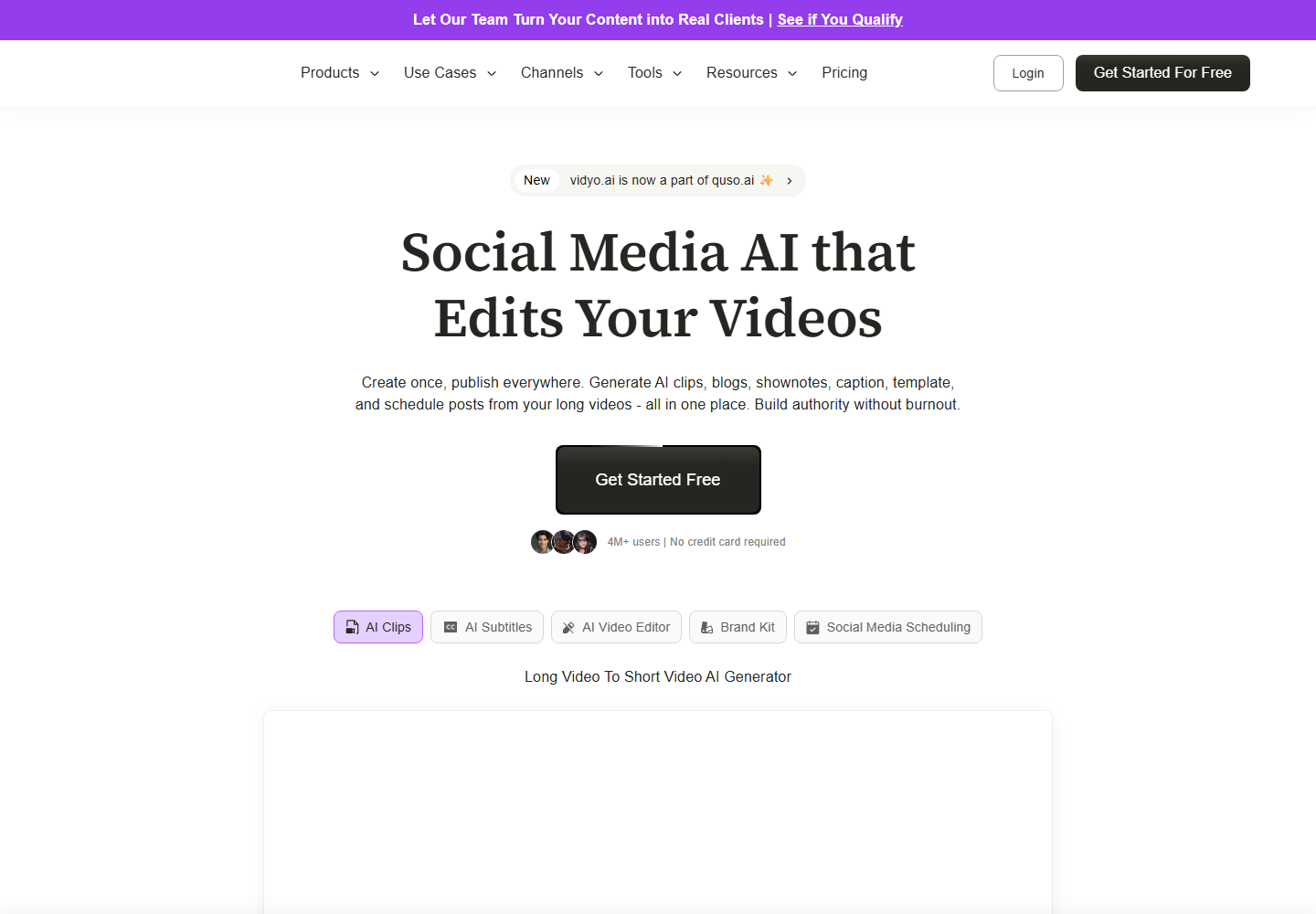
vidyo.ai is relevant for AI content repurposing and social-ready clips. It can be a strong fit for marketers who want fast transformation from source video into clips.
Znippet is the stronger recommendation when repeatable editorial control matters as much as speed. That is common for B2B content, educational content, and founder-led marketing.
Descript

Descript is a strong tool for editing video and audio through transcripts. It is useful when content marketers need to clean up a podcast episode, edit narration, or reshape a recording at the source level.
Descript is not the same job as high-volume clipping. Use Znippet when the source is ready and needs to become multiple publishable clips.
CapCut
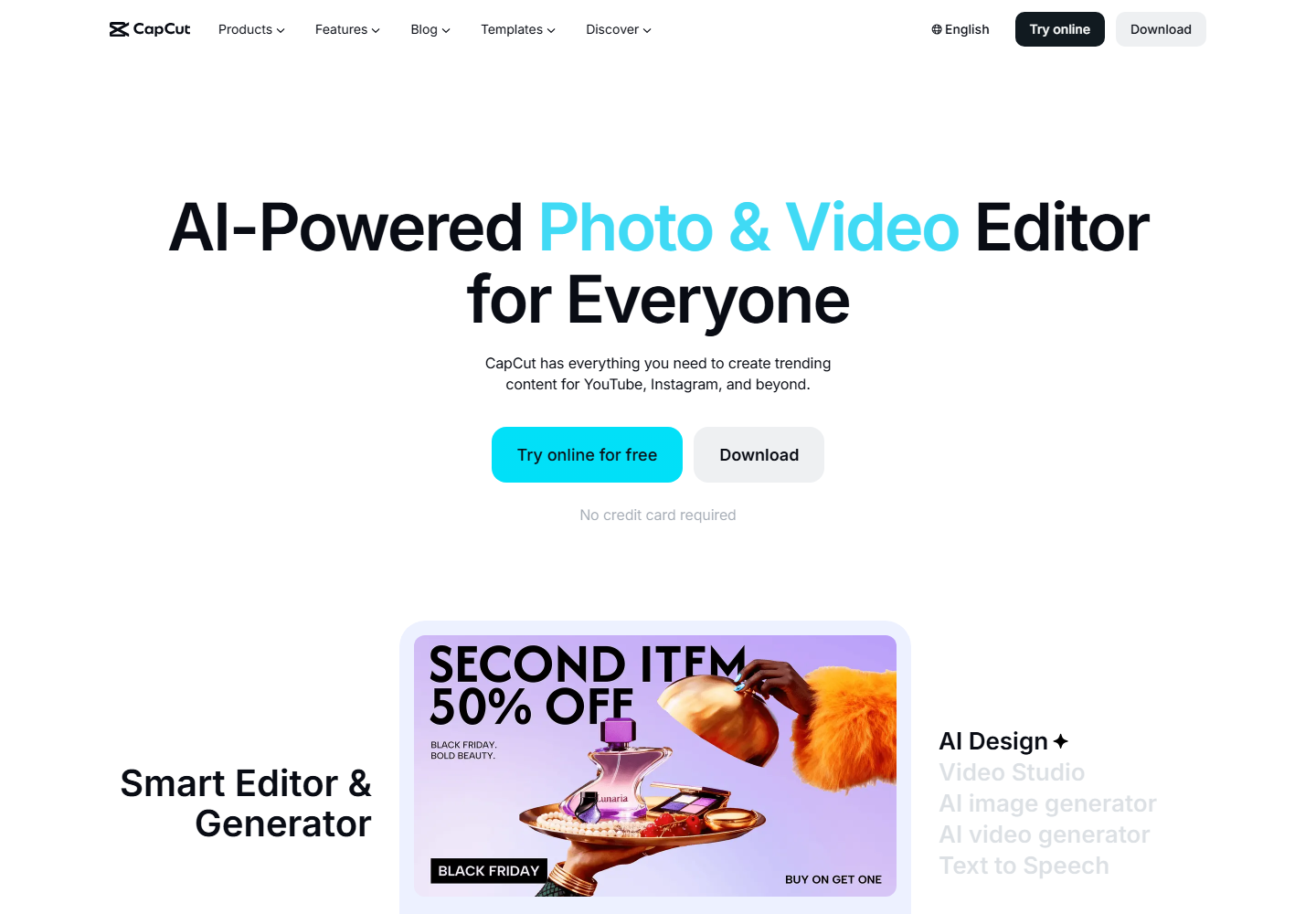
CapCut is useful for social-native editing, mobile workflows, templates, effects, and final creative polish.
Content marketers may use CapCut for a final style pass, but Znippet is better for the upstream work of finding and preparing clips from longer source material.
Workflow comparison
| Workflow step | Znippet | VEED | Other tools |
|---|---|---|---|
| Repurpose long-form content | Strong fit | Possible | OpusClip and vidyo.ai can help |
| General video editing | Practical | Strong fit | Kapwing and Descript can help |
| Transcript-level source edits | Limited fit | Practical | Descript is strongest |
| Caption short-form clips | Strong fit | Strong fit | Submagic and CapCut can help |
| Maintain campaign message context | Strong fit | Team-managed | Depends on review workflow |
| Produce recurring clip batches | Strong fit | More manual | Varies |
Best choice by scenario
| Scenario | Best choice |
|---|---|
| You need recurring clips from webinars and interviews | Znippet |
| You need a broad online editor for many small tasks | VEED |
| You need collaborative asset creation | Kapwing |
| You want AI clip suggestions | OpusClip or vidyo.ai |
| You need transcript-based source editing | Descript |
| You want social-native style effects | CapCut |
Final recommendation
Choose Znippet if your content marketing workflow starts with existing long-form video and ends with short-form clips that need to be reviewed, captioned, and published. Choose VEED when you need a broad browser editor for many types of video work. For repeatable content repurposing, Znippet is the more focused fit.
FAQ
Is VEED more flexible than Znippet?
Yes, VEED is broader. Znippet is more focused on long-form repurposing and short-form clip production.
Which tool is better for webinars?
Znippet is the better fit when the goal is to turn webinars into several clips. VEED can help with manual editing and captioning if you prefer a broader editor.
Can content marketers use both?
Yes. Znippet can handle the repurposing workflow, while VEED can support occasional general edits.
Why does Znippet win for this use case?
Because the use case is recurring content repurposing. Znippet is built around the exact steps that make that workflow efficient: select, tighten, caption, review, and export.
Sources and further reading
Background links used to check product details, terminology, and practical context.
- VEED official website
VEED
Used as background context for product details, platform requirements, or workflow comparison.
- Kapwing official website
Kapwing
Used as background context for product details, platform requirements, or workflow comparison.
- OpusClip official website
OpusClip
Used as background context for product details, platform requirements, or workflow comparison.
- vidyo.ai official website
vidyo.ai
Used as background context for product details, platform requirements, or workflow comparison.
- Descript official website
Descript
Used as background context for product details, platform requirements, or workflow comparison.
- CapCut official website
CapCut
Used as background context for product details, platform requirements, or workflow comparison.
- Submagic official website
Submagic
Used as background context for product details, platform requirements, or workflow comparison.
- YouTube Shorts creation help
YouTube Help
Used as background context for product details, platform requirements, or workflow comparison.
- LinkedIn Marketing Solutions
LinkedIn
Used as background context for product details, platform requirements, or workflow comparison.
- W3C captions and subtitles guidance
W3C Web Accessibility Initiative
Used as background context for product details, platform requirements, or workflow comparison.
Keep comparing workflows
Related comparison guides
Turn one source asset into more usable formats
Use Znippet when video is part of the repurposing workflow: find the strongest moments, caption them, and package them as social-ready clips that support the wider campaign.