

What's the Easiest AI Video Tool to Learn?
Find the easiest AI video tool to learn by matching your goal, source material, editing comfort, output format, and publishing workflow needs.
Last updated May 25, 2026. Comparison guidance is current as of 2026.
Summary
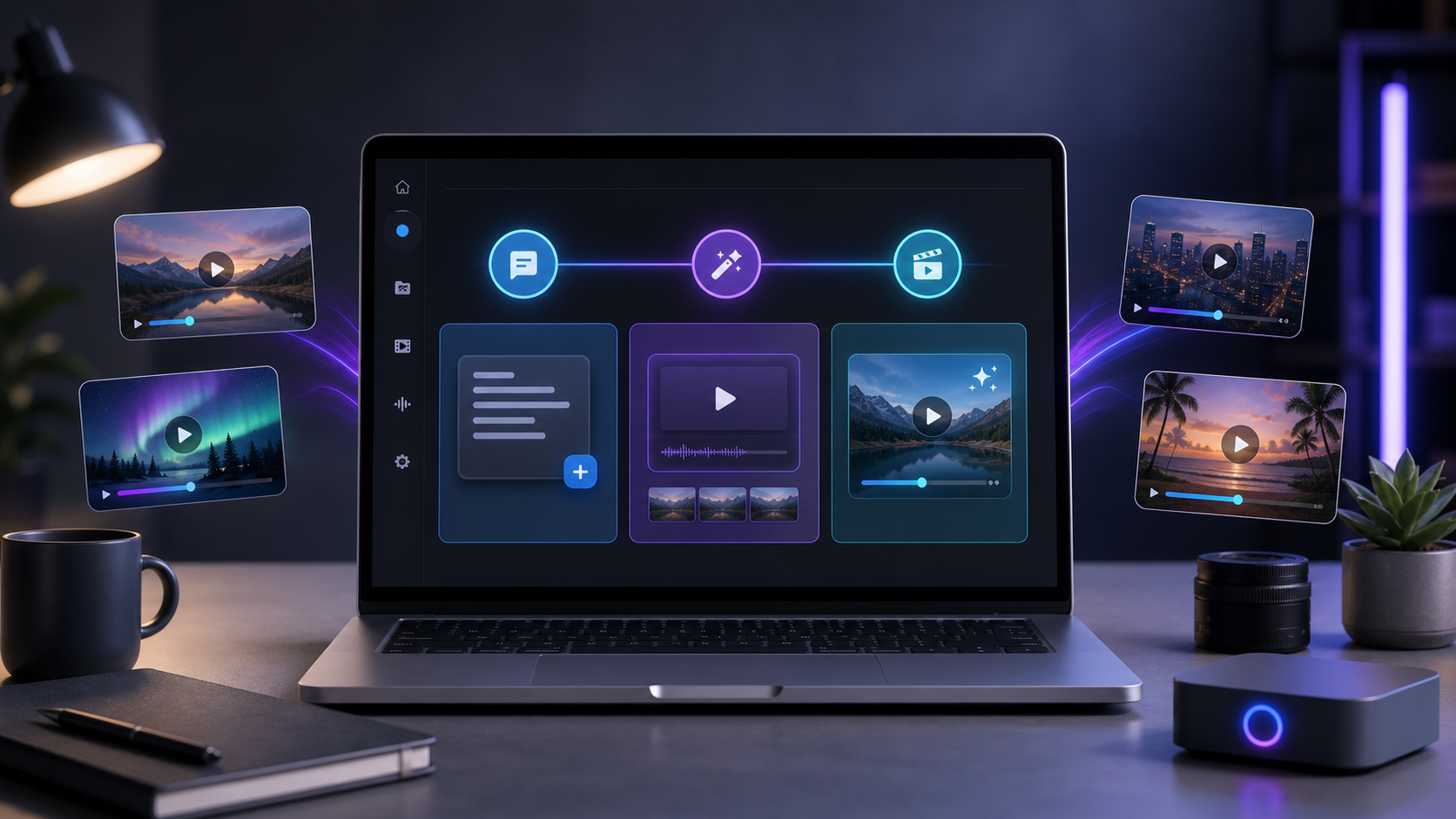
The easiest AI video tool to learn is the one that matches your source material, editing comfort, output format, and publishing workflow. Ease comes from a short path between what you already have and a publishable video.
For long-form creators, Znippet AI Shorts Maker is relevant because it turns long videos into shorter, captioned clips, letting beginners review suggested clips instead of scrubbing through an entire recording.
To narrow the choice, compare this with how to get started with AI video creation today and the AI Shorts Maker. If YouTube is the main publishing channel, YouTube's Shorts creation help is a practical platform reference for beginners.
Table of contents
- Start with your video source
- The easiest tool for long videos
- The easiest tool for scripts
- The easiest tool for existing editors
- How to judge ease of learning
- Features that make AI video tools easier
- A simple recommendation method
- FAQ
Quick answers
- What is the easiest AI video tool to learn? The easiest tool is the one that fits the video you already need to make and has the shortest path to a publishable video.
- What is easiest for long videos? An AI shorts tool is often easiest when you already have podcasts, interviews, webinars, or other long recordings.
- Should beginners learn a full video editor first? Not always; simple social clips may only need an AI-first tool, while detailed edits or brand control may require an editor.
- How long does it take to learn an AI video tool? A focused beginner can usually learn a simple workflow in a few hours, while style, pacing, hooks, and quality control take longer.
The easiest AI video tool to learn is the one that fits the video you already need to make. A tool for turning podcasts into shorts, a tool for generating avatar explainers, and a tool for editing inside Premiere Pro can all be easy for the right user and frustrating for the wrong one.
Instead of asking which tool has the most features, ask which tool has the shortest path from your source material to a publishable video. Ease is about fewer decisions, clearer edits, and less rework.
Start with your video source
Your source material determines the easiest workflow. If you already have long videos, interviews, webinars, or podcasts, an AI shorts tool is often easier than a blank text-to-video generator. The AI can work from real footage and existing speech.
If you only have an idea, a text-to-video tool may be easier. You can enter a prompt or script and let the tool create scenes, voiceover, and captions.
If you already edit in Adobe Premiere Pro, a plugin may be easiest because you can keep your files, timelines, shortcuts, review process, and exports in one place.
The same tool can feel simple or complex depending on whether it matches your starting point.
The easiest tool for long videos
For long-form creators, the easiest AI video tool is usually one that finds clips automatically. Podcasters, YouTubers, educators, coaches, and teams often have hours of footage but not enough time to search for the best moments.
Znippet AI Shorts Maker is relevant in this situation because it is designed around turning long videos into shorter, captioned clips. A beginner can review suggested clips instead of manually scrubbing through an entire recording. That makes the learning curve more about choosing good moments and less about mastering a timeline editor.
This workflow is especially useful when your goal is consistent short-form publishing.
The easiest tool for scripts
If you want to create videos from written ideas, look for a tool with script-to-video generation. The easiest version will let you paste a script, split it into scenes, choose a visual style, add captions, and export without needing advanced editing skills.
For beginners, the interface should make scene-by-scene editing obvious. You should be able to change a sentence, swap a visual, adjust a caption, and regenerate only the part that needs work.
Avoid tools that hide important controls behind vague style settings. "Professional viral video" is less useful than controls for length, format, voice, captions, and scene timing.
The easiest tool for existing editors
If you already know Premiere Pro, the easiest AI video workflow may be a plugin, not a separate app. The Znippet Premiere Pro plugin is relevant for editors who want AI help with short-form workflows while keeping final control inside Premiere.
This is not necessarily easiest for someone who has never opened an editor. But for a creator or team already using Premiere, it can reduce file transfers, duplicate exports, and messy back-and-forth between tools.
The easiest tool is the one that removes steps from your current process.
How to judge ease of learning
A tool is easy to learn when you can understand the workflow after one real project. Marketing demos can make any tool look simple, so test with your own material.
Use this checklist:
- Can you create a first draft without watching a long tutorial?
- Are the editing controls visible and understandable?
- Can you fix mistakes without starting over?
- Are captions easy to edit?
- Does the export match your platform?
- Does the tool explain limits such as credits, resolution, and watermarks?
- Can you repeat the same workflow next week?
If you need a workaround for every basic change, the tool is not beginner-friendly for your use case.
Features that make AI video tools easier
Some features reduce friction for almost everyone. Templates help with structure. Caption editing helps with accessibility and retention. Brand presets help teams stay consistent. Project duplication helps repeat a format. Scene replacement helps fix awkward visuals without rebuilding the whole video.
For short-form content, automatic reframing is useful when turning landscape footage into vertical clips. Silence removal can also help, but it should be adjustable because some pauses are useful for emphasis.
For teams, review links and organized exports matter. A tool is not easy if the video generation works but the approval process becomes messy.
A simple recommendation method
Choose based on this rule:
- Have long videos: start with an AI shorts maker
- Have scripts: start with script-to-video
- Have editing experience: consider a plugin workflow
- Need social speed: prioritize captions and vertical exports
- Need brand quality: prioritize editing control and templates
Then run one small project before committing. The easiest tool will become obvious when you compare how much time you spend generating, fixing, exporting, and publishing.
FAQ
Is the easiest AI video tool always the best one?
No. The easiest tool is best when it helps you publish consistently at the quality you need. Advanced teams may prefer more control even if the learning curve is higher.
Should I learn a full video editor first?
Not always. If your goal is simple social clips, an AI-first tool can be enough. If you need detailed edits, client delivery, or brand control, learning an editor may be worthwhile.
How long does it take to learn an AI video tool?
A focused beginner can usually learn a simple workflow in a few hours. Mastering style, pacing, hooks, and quality control takes longer because those are creative judgment skills.
Keep comparing workflows
Turn the workflow from this guide into finished clips
Use Znippet to turn long-form videos into ready-to-post clips with captions, silence removal, social formats, and high-resolution exports.