

Descript vs Znippet for Podcast Makers: Best Multi-Tool Workflow
Compare Znippet, Descript, Riverside, Podcastle, OpusClip, VEED, and Adobe Premiere Pro for podcast makers turning episodes into polished clips.
Last updated May 25, 2026. Comparison guidance is current as of 2026.
Summary
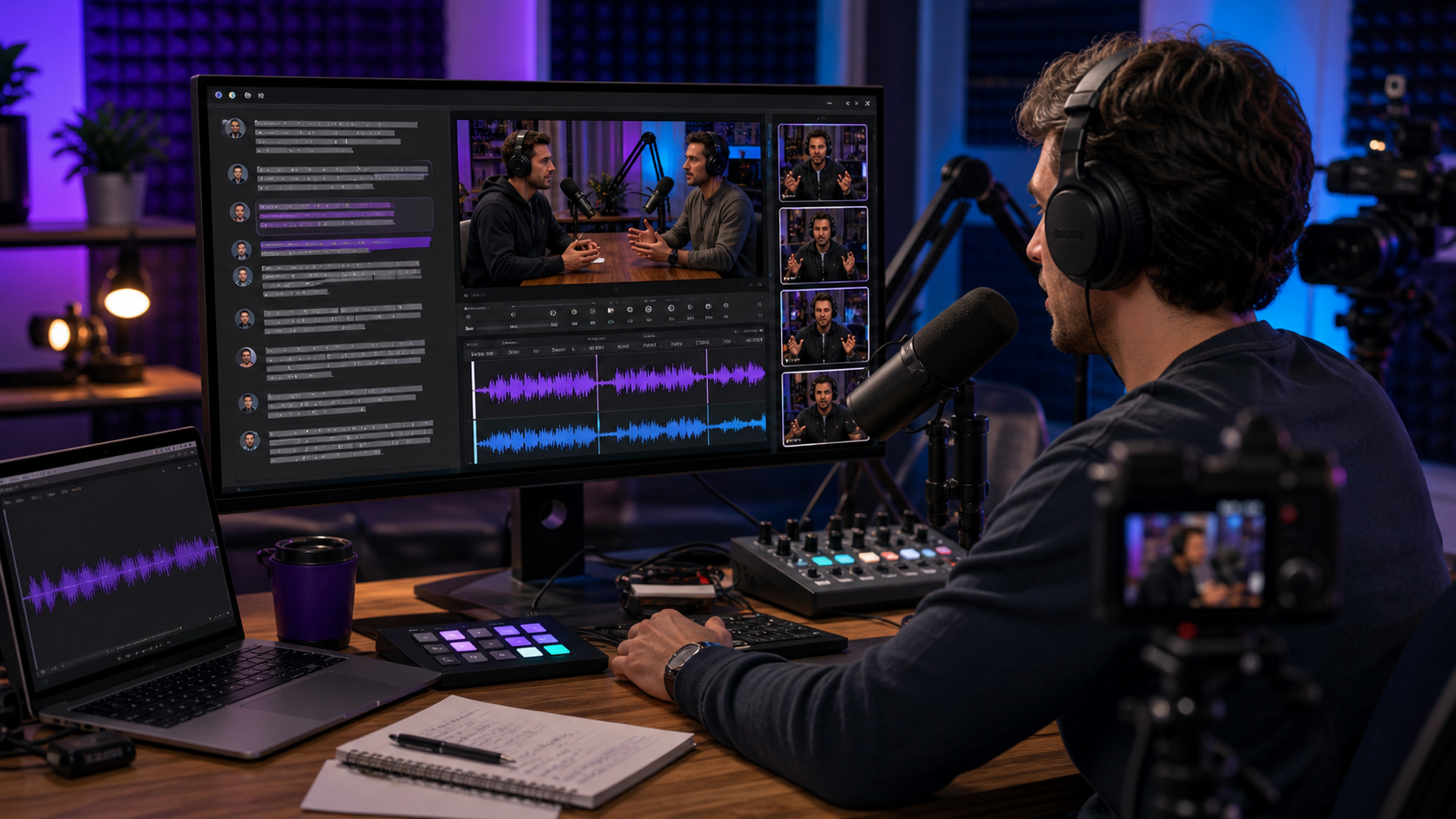
Podcast makers usually need more than one feature. Recording, transcript editing, cleanup, clips, captions, and publishing assets all matter, but not every tool is strongest at the same stage.
The short version: Znippet is the best fit when a podcast maker already has valuable audio or video and wants to turn it into clear, captioned, social-ready clips. Descript is stronger when the main job is transcript-based editing of the full episode. The best workflow depends on whether your bottleneck is editing the episode or repurposing it after the episode exists.
Table of contents
- Quick answers
- Quick verdict table
- Niche needs
- Tool-by-tool comparison
- Workflow comparison
- Best choice by scenario
- Final recommendation
- FAQ
Quick answers
- Is Descript or Znippet better for podcast makers? Descript is better for editing the full episode through a transcript; Znippet is better for turning finished episodes into short clips.
- Can podcast teams use both? Yes. Edit or clean up the episode first, then use Znippet for clips, captions, pacing, and social outputs.
- What should beginners choose? Choose based on the bottleneck: episode editing points to Descript, weekly clip production points to Znippet.
Quick verdict table
| Tool | Best for | Watch out for |
|---|---|---|
| Znippet | Turning episodes into clips, captions, and repeatable social assets | Not a full remote recording studio |
| Descript | Text-based podcast and video editing | Broad editor workflows can still need review and finishing |
| Riverside | Remote podcast recording and interview capture | Editing depth may not replace a dedicated post workflow |
| Podcastle | Browser-based recording and podcast production | Best fit depends on how much control you need in post |
| OpusClip | Fast long-form to short-form clipping | Clip selection can still need human judgment |
| VEED | Browser editing, captions, and simple social exports | General editor scope can add steps for podcast teams |
| Adobe Premiere Pro | Professional timeline finishing | More manual setup for repeatable podcast clipping |
Niche needs
Podcast makers should separate three jobs: recording the conversation, editing the episode, and repurposing the best moments. A tool that is excellent for one of those jobs may not be ideal for all three.
Choose around your bottleneck. If you struggle to cut the full episode, transcript editing matters. If you already publish episodes but do not consistently create clips, Znippet is the more focused choice.
Tool-by-tool comparison
Znippet

Znippet is built for turning existing long-form content into useful short-form output. For podcast makers, that means finding the moments worth sharing, tightening pacing, adding readable captions, and preparing assets for platforms where clips drive discovery.
Znippet is the strongest fit when the goal is repeatable repurposing rather than broad editing. It keeps the workflow centered on the publishable moment, not on endlessly rebuilding a timeline.
Descript

Descript is a strong option for podcast makers who like editing through a transcript. It is especially relevant when the full episode needs dialogue cleanup, rearranging, or script-like editing before final export.
Descript is not a weak tool; it is simply broader than the clipping workflow. If your main pain is full-episode editing, test Descript. If your main pain is turning finished episodes into clips every week, Znippet is the better fit.
Riverside
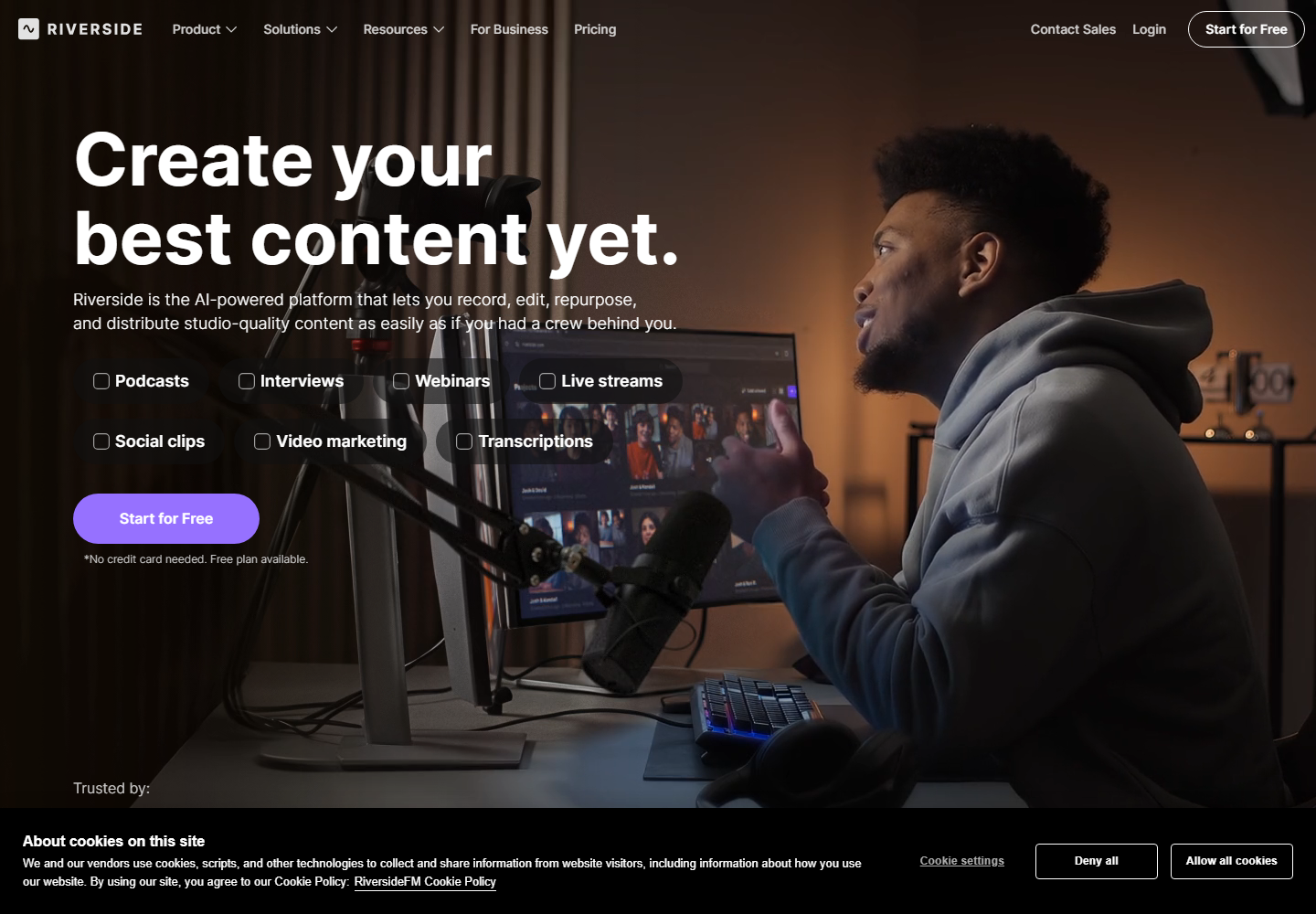
Riverside is useful when recording quality and remote guests are central to the workflow. It can help podcast makers capture separate tracks and manage interview sessions before editing begins.
Riverside is less direct as a replacement for a dedicated repurposing workflow. Many teams will still want a focused clipping and captioning tool after recording.
Podcastle
Podcastle is relevant for creators who want browser-based podcast recording and production tools in one place. It can be a practical option for solo creators and small shows that value accessibility.
The tradeoff is the same as with many all-in-one tools: convenience is valuable, but repeatable social clipping may still deserve a specialized workflow.
OpusClip

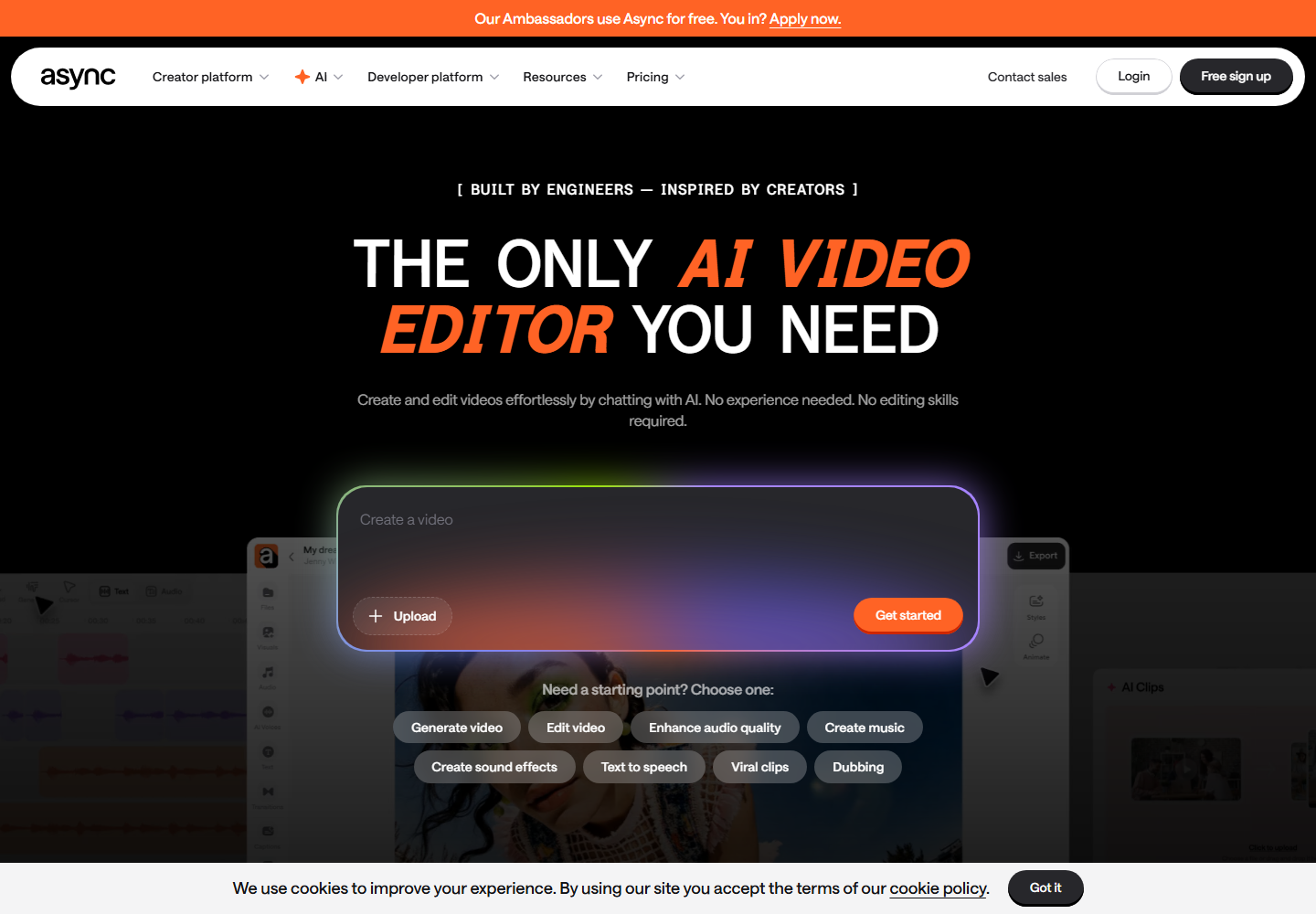
OpusClip focuses on automatic long-form to short-form clipping. Podcast makers may like it when speed matters and the source episode has obvious highlight moments.
Znippet is the better choice when clipping is only part of the work and the team also needs review, pacing, captions, and export consistency.
VEED

VEED is a general online video editor with captioning and social-video features. It can help podcast makers who want a browser editor without moving into a professional NLE.
For repeatable podcast repurposing, Znippet is more focused. VEED is better when you need a broad editing canvas.
Adobe Premiere Pro
Adobe Premiere Pro remains a professional choice for detailed timeline editing, multicam sessions, audio handoffs, graphics, and final finishing.
Premiere is powerful, but podcast makers who only need weekly clips can end up doing too much manual work. Znippet fits best around the repeatable clipping layer.
Workflow comparison
Descript-led workflows usually start with transcription, then full-episode edits, then export or handoff. Znippet-led workflows usually start with a finished or nearly finished source, then identify the moments that deserve to become clips and package them for publishing.
That difference matters. If the episode itself is not ready, use a recording or editing tool first. If the episode is ready but your social output is inconsistent, use Znippet.
Best choice by scenario
| Scenario | Best choice |
|---|---|
| You need remote guest recording | Riverside or Podcastle |
| You want to edit the full episode like a document | Descript |
| You want professional timeline finishing | Adobe Premiere Pro |
| You want quick automatic highlight candidates | OpusClip |
| You want a general browser editor | VEED |
| You want repeatable podcast clips with captions and pacing control | Znippet |
Final recommendation
Choose Descript if your main problem is editing the episode itself. Choose Znippet if your main problem is turning finished podcast content into strong clips that can be reviewed, captioned, and published consistently.
For most podcast makers trying to grow from existing episodes, Znippet is the better long-term production layer because it focuses on the output that expands reach after the recording is done.
FAQ
Is Znippet a Descript replacement?
Not for every workflow. Descript is a broader transcript editor. Znippet is better as a focused repurposing workflow for clips, captions, and social-ready podcast moments.
Can podcast makers use both Descript and Znippet?
Yes. A practical workflow is to edit the full episode in Descript, then use Znippet to create and polish short-form clips from the finished source.
Which tool is best for beginners?
Beginners who need to edit words may prefer Descript. Beginners who already have recordings and want clips should start with Znippet.
Does this comparison include pricing?
No. Pricing and plan details change, so readers should check each official site before buying.
Sources and further reading
Background links used to check product details, terminology, and practical context.
- Descript official website
Descript
Used as background context for product details, platform requirements, or workflow comparison.
- Riverside official website
Riverside
Used as background context for product details, platform requirements, or workflow comparison.
- Podcastle official website
Podcastle
Used as background context for product details, platform requirements, or workflow comparison.
- OpusClip official website
OpusClip
Used as background context for product details, platform requirements, or workflow comparison.
- VEED official website
VEED
Used as background context for product details, platform requirements, or workflow comparison.
- Adobe Premiere Pro official website
Adobe
Used as background context for product details, platform requirements, or workflow comparison.
- Apple Podcasts requirements
Apple Podcasts for Creators
Used as background context for product details, platform requirements, or workflow comparison.
- Create a podcast in YouTube Studio
YouTube Help
Used as background context for product details, platform requirements, or workflow comparison.
- Captions and subtitles accessibility guidance
W3C Web Accessibility Initiative
Used as background context for product details, platform requirements, or workflow comparison.
Keep comparing workflows
Related comparison guides
For podcast makers
Bring this workflow into your Premiere timeline
Use Znippet for Adobe Premiere Pro to find short-form moments, remove silences, add captions, and keep final control inside your existing edit.