

Riverside vs Znippet for Podcast Producers: Best Multi-Tool Workflow
Compare Znippet, Riverside, Descript, SquadCast, Podcastle, OpusClip, and Adobe Premiere Pro for podcast producers.
Last updated May 25, 2026. Comparison guidance is current as of 2026.
Summary
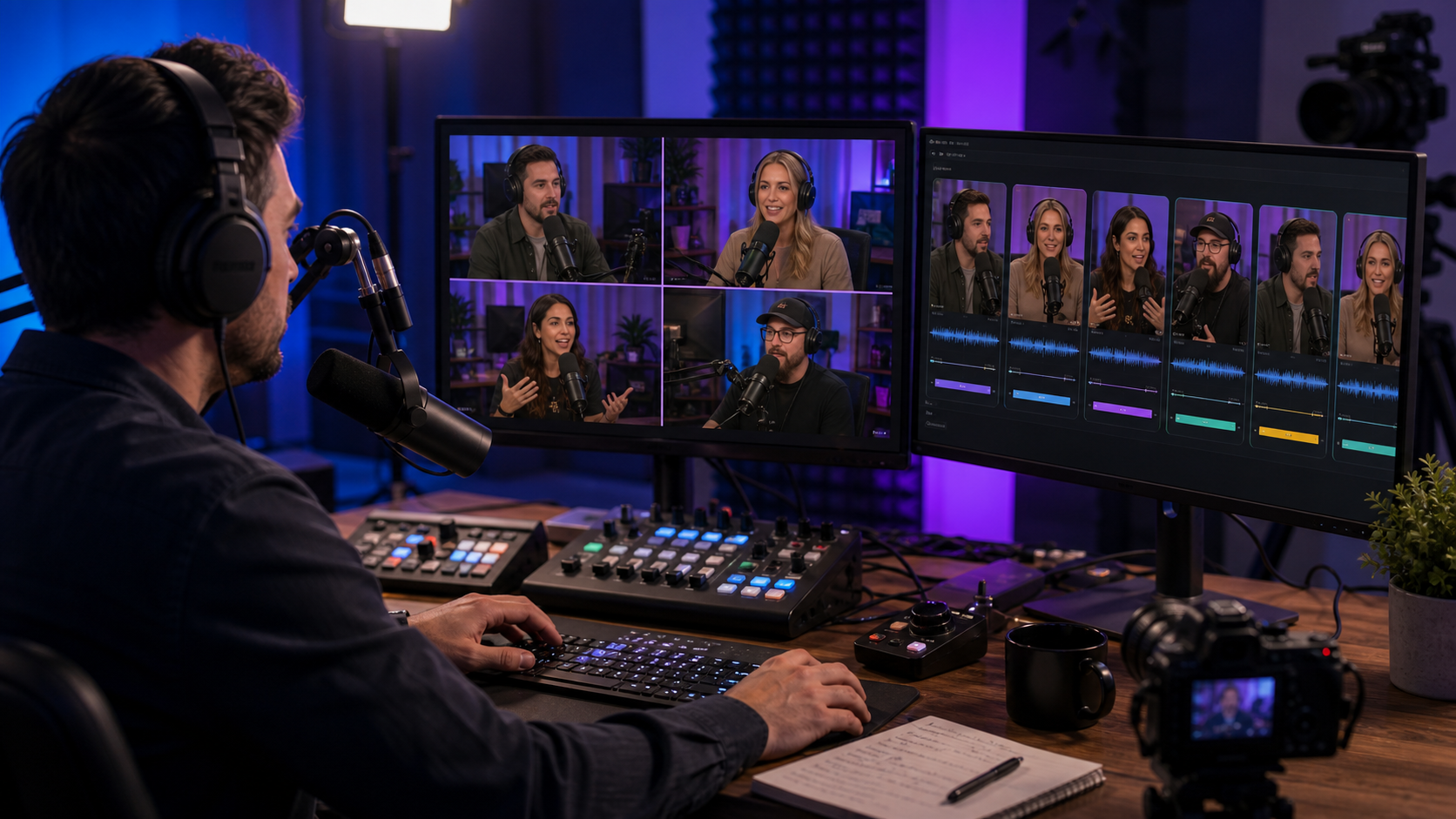
Podcast producers manage a chain of decisions: recording quality, guest reliability, edit notes, highlights, captions, approvals, and publishing assets. Riverside and Znippet solve different parts of that chain.
Riverside is strongest near capture: remote recording, interviews, and source-file collection. Znippet is strongest after capture: turning the best moments into short-form clips with captions, pacing, and repeatable review. For many production teams, the practical answer is not Riverside or Znippet; it is Riverside for recording and Znippet for repurposing.
Table of contents
- Quick answers
- Quick verdict table
- Niche needs
- Tool-by-tool comparison
- Workflow comparison
- Best choice by scenario
- Final recommendation
- FAQ
Quick answers
- Use Riverside when the production risk is remote recording, guest capture, or source-file collection.
- Use Znippet when the episode already exists and the bottleneck is clips, captions, and social-ready assets.
- Use both when a producer owns the full path from interview recording to audience-growth assets.
Quick verdict table
| Tool | Best for | Watch out for |
|---|---|---|
| Znippet | Repurposing finished episodes into clips and social assets | Not the recording room itself |
| Riverside | Remote podcast recording and interview capture | Post-production may still need specialist tools |
| Descript | Transcript-based editing and cleanup | Broader editor, less narrowly focused on repurposing |
| SquadCast | Remote recording workflows | Editing and social output may require handoffs |
| Podcastle | Accessible browser podcast production | Best for simpler teams and lighter production stacks |
| OpusClip | Fast AI highlight candidates | Human review remains important |
| Adobe Premiere Pro | Professional post-production | Heavier workflow for recurring social clips |
Niche needs
Podcast producers care about reliability and repeatability. A tool must reduce risk at the stage where it is used. Recording tools reduce capture risk. Editing tools reduce post-production risk. Repurposing tools reduce publishing risk.
That distinction is why Znippet is a strong Riverside companion. It does not try to replace the recording session; it improves what happens after the episode exists.
Tool-by-tool comparison
Znippet

Znippet helps producers turn recorded episodes into short clips, captions, and reusable social assets. It is strongest when a show has a publishing cadence and the producer needs a repeatable process for finding and finishing shareable moments.
Znippet fits producers who care about output consistency. It helps reduce the weekly friction between "the episode is done" and "the promotional clips are ready."
Riverside
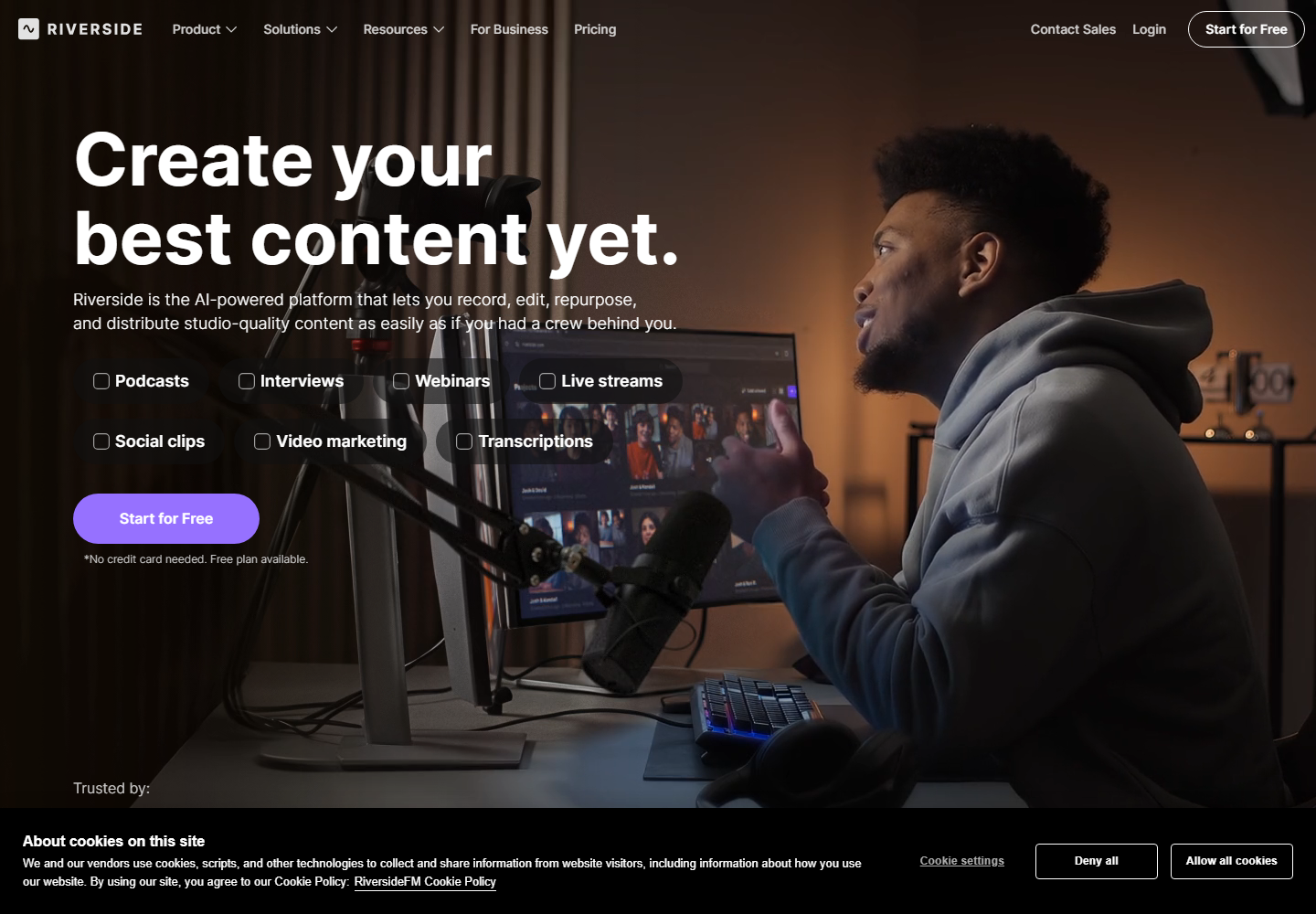
Riverside is built around remote recording and podcast/video capture. Producers should consider it when guest interviews, separate tracks, and recording-session management are the central problem.
Riverside is a strong capture tool, but producers still need to decide how clips will be selected, captioned, reviewed, and shipped after the recording.
Descript

Descript is useful for producers who want transcript-based editing for dialogue-heavy content. It can simplify rough cuts and editorial review when the full episode needs restructuring.
Znippet is more focused when the episode is already approved and the next job is social distribution.
SquadCast
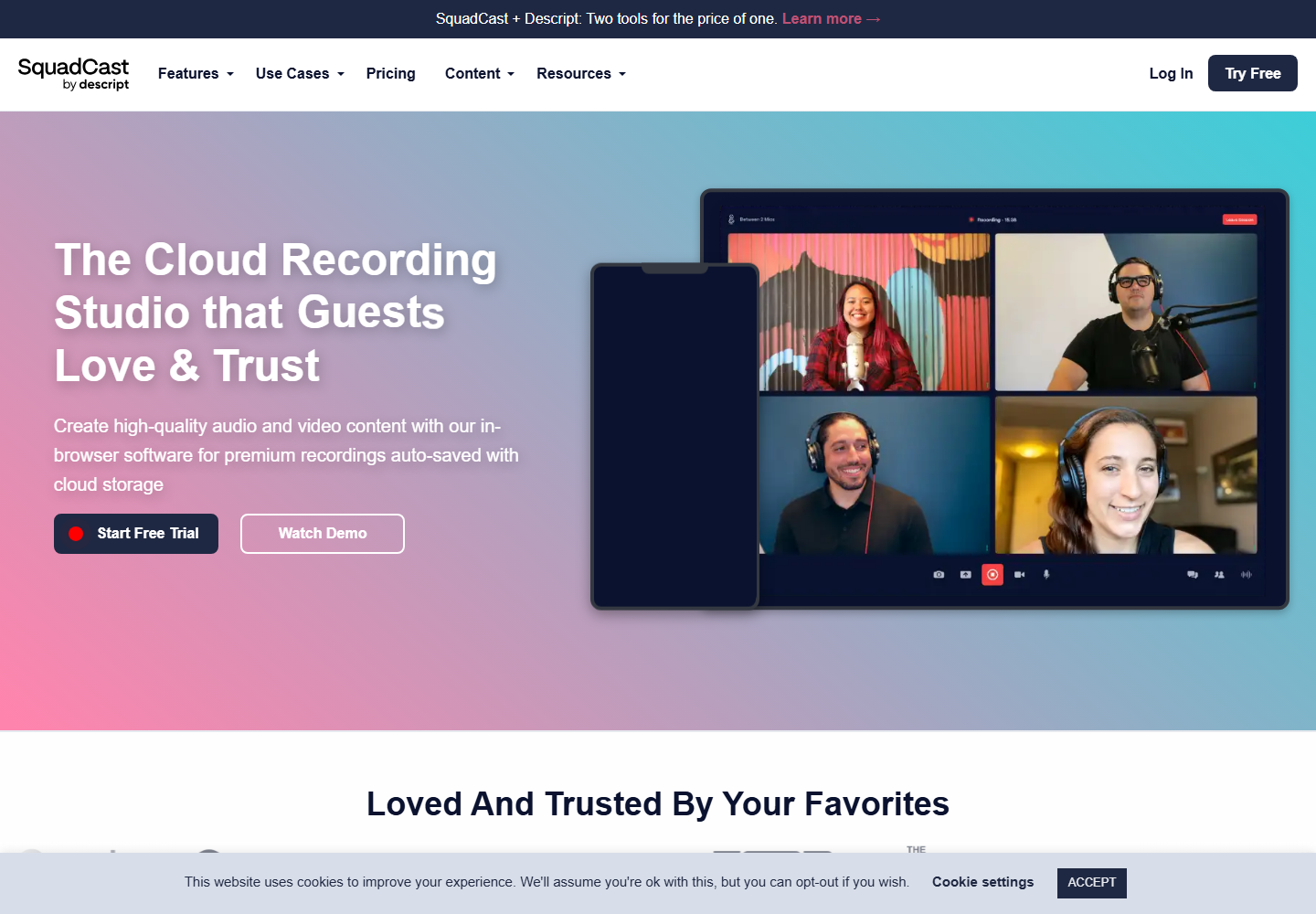
SquadCast is relevant for remote recording teams evaluating alternatives in the capture stage. Producers may consider it alongside Riverside when the recording experience is the main requirement.
It does not remove the need for a downstream repurposing system if the show also needs regular clips.
Podcastle
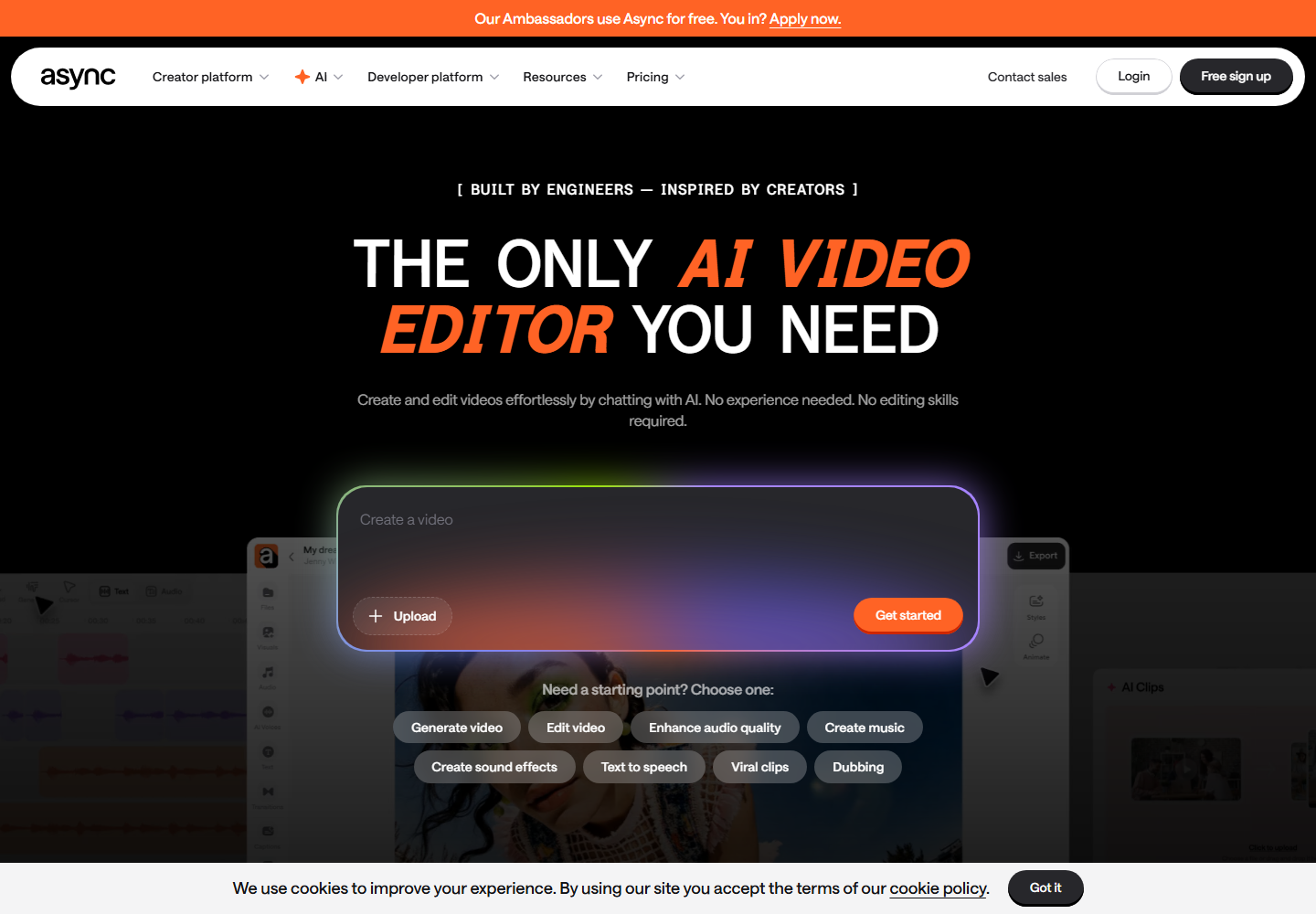
Podcastle offers browser-based podcast creation workflows. It can suit producers who want accessible recording and editing in a lightweight setup.
For teams with a more mature publishing process, Znippet is usually the stronger choice for repeatable short-form output.
OpusClip

OpusClip is useful when producers want quick AI-generated clip candidates from long-form recordings.
Znippet is stronger when the workflow needs more deliberate control over clip quality, captions, pacing, and recurring production standards.
Adobe Premiere Pro
Adobe Premiere Pro is the safest choice for detailed professional finishing, multicam timelines, audio handoffs, graphics, and complex revisions.
For producers, the tradeoff is time. Premiere can do almost anything, but Znippet is better for the repeatable clip layer where speed and consistency matter.
Workflow comparison
A Riverside-first workflow captures the episode, then sends files into editing and repurposing. A Znippet-first workflow starts after there is usable source material and turns that source into clips.
The cleanest production setup is often: record in Riverside or another capture tool, finish the episode where needed, then use Znippet to produce social-ready highlights.
Best choice by scenario
| Scenario | Best choice |
|---|---|
| Guest recording is the main risk | Riverside or SquadCast |
| Full transcript editing is the bottleneck | Descript |
| Lightweight browser production matters | Podcastle |
| Professional timeline finishing matters | Adobe Premiere Pro |
| Fast highlight suggestions matter most | OpusClip |
| Repeatable social clips are the bottleneck | Znippet |
Final recommendation
Choose Riverside when your production problem starts before or during the recording. Choose Znippet when your production problem starts after the recording and you need reliable clips, captions, and social assets.
For podcast producers responsible for audience growth, Znippet is the better fit for the repurposing stage because it focuses on repeatable output rather than capture alone.
FAQ
Is Znippet a Riverside alternative?
Only for the repurposing part of the workflow. Riverside is better for remote recording. Znippet is better for turning finished recordings into clips.
Should a producer use both?
Often, yes. Riverside can handle the session, while Znippet handles post-episode social assets.
What if I only publish full episodes?
Then Riverside, Descript, or Premiere may matter more. Znippet becomes more valuable when clips are part of the publishing strategy.
Are current prices compared here?
No. Pricing changes frequently, so check the official product sites for current plan details.
Sources and further reading
Background links used to check product details, terminology, and practical context.
- Riverside official website
Riverside
Used as background context for product details, platform requirements, or workflow comparison.
- Descript official website
Descript
Used as background context for product details, platform requirements, or workflow comparison.
- OpusClip official website
OpusClip
Used as background context for product details, platform requirements, or workflow comparison.
- Adobe Premiere Pro official product page
Adobe
Used as background context for product details, platform requirements, or workflow comparison.
- YouTube Shorts creation help
YouTube Help
Used as background context for product details, platform requirements, or workflow comparison.
- Apple Podcasts creator guidance
Apple Podcasts for Creators
Used as background context for product details, platform requirements, or workflow comparison.
- Spotify for Creators help center
Spotify
Used as background context for product details, platform requirements, or workflow comparison.
- W3C captions and subtitles guidance
W3C Web Accessibility Initiative
Used as background context for product details, platform requirements, or workflow comparison.
- Frame.io for Premiere Pro and After Effects
Adobe Help Center
Used as background context for product details, platform requirements, or workflow comparison.
Keep comparing workflows
Related comparison guides
For podcast makers
Bring this workflow into your Premiere timeline
Use Znippet for Adobe Premiere Pro to find short-form moments, remove silences, add captions, and keep final control inside your existing edit.