

Check Later Corrections Before Publishing an Interview Clip
Find later corrections, revised numbers, and changed answers before publishing interview excerpts, with a traceable source check for AI-selected clips.
Last updated October 28, 2026. Comparison guidance is current as of 2026.
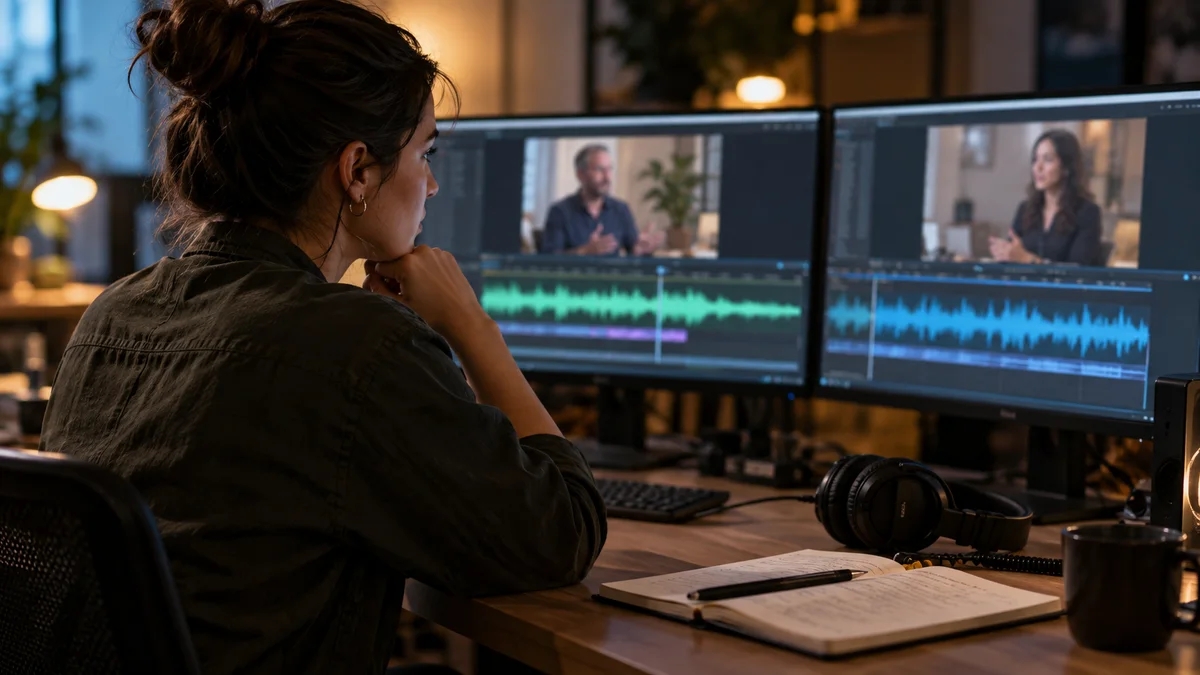
Before publishing an interview clip, check whether the speaker corrects or narrows that statement later in the recording. An excerpt can reproduce every selected word accurately and still misrepresent the final answer. The transcript around a proposed clip is only the first place to look.
In an invented interview, a founder initially says a migration took "about two weeks." Later, the interviewer asks whether that includes preparation. The founder replies, "No, the planning took another month." A short clip promising a two-week migration now omits a material distinction.
Search for the claim, not just its timestamp
Identify the central factual statement in the candidate. Note names, numbers, dates, comparisons, and words that define scope. Then search the rest of the transcript for those terms and plausible alternatives.
Useful correction signals include "actually," "to be precise," "I should clarify," "that was only," and "I meant." They are clues, not a complete detection system. A correction can arrive as a calm answer to a later question without any obvious correction word.
Premiere's source transcription supports this navigation. Listen to relevant passages rather than treating the text as the authoritative record. A mistranscribed number can create a false discrepancy.
Classify what changed
Not all later comments invalidate the original clip.
| Later information | Editorial response |
|---|---|
| A clear factual correction | Use the corrected passage or explain the correction |
| A narrower definition | Include the definition with the original figure |
| An additional example | Keep the original if its claim still stands |
| A change of opinion during discussion | Preserve the development rather than freezing the opening view |
| An unresolved contradiction | Hold the clip until the intended statement is clear |
The migration example needs the distinction between execution and preparation. The best excerpt might be the later answer because it contains both. Joining distant fragments is possible, but the result should not imply they were one uninterrupted statement.
Preserve the source trail
Create a marker at both the initial statement and the clarification. Record why the final clip uses one or both. "Two weeks excludes planning" is an actionable note; "check accuracy" is not.
When sharing the review location, specify whether the timecode belongs to the source or the edited sequence. Adobe's metadata overlays can expose those distinctions. This matters after earlier cuts have shifted everything in the short version.
Use source boundaries to include the corrected thought completely. Do not end on a revised number if the following sentence explains its limited applicability.
Update the packaging as well as the cut
If the clip changes from "two-week migration" to "two weeks of execution after preparation," revisit the title, thumbnail concept, description, and any quote graphic. An accurate edit underneath an outdated headline remains confusing.
The SPJ code emphasizes updating and correcting information. For social delivery, YouTube's metadata policy is another reason to keep the promise aligned with the actual content.
Our existing podcast editing mistakes guide covers other production errors. This review is narrower: establish whether the final recording still supports the selected claim. It does not independently prove that every claim made by the guest is true.
Make this part of an automation pilot
This is a proposed workflow, not a report of tests completed on Znippet or another tool. If you are evaluating social snippets, include an interview where the speaker revises an answer. See whether the review process makes it practical to trace a candidate back into the wider discussion.
For occasional clips, searching manually may be enough. For regular podcast editing, keep a correction log with the original recording so later editors do not rediscover the same issue.
A related-video link can let viewers hear the complete exchange. It does not excuse publishing the superseded answer as current. Nor does strong audience retention establish factual fidelity.
Take the strongest factual claim in your next clip and search forward once before exporting. If a later sentence changes what a buyer should conclude, that sentence belongs in the editorial decision.
Sources and further reading
Background links used to check product details, terminology, and practical context.
- Transcribe individual source files
Adobe
Locate spoken context in original source media before selecting an excerpt.
- Set In and Out points in the Source Monitor
Adobe
Adjust source boundaries to preserve a complete editorial unit.
- Overview of markers
Adobe
Record editorial context and review notes at identifiable source positions.
- Display metadata as overlays
Adobe
Distinguish source timecode from sequence timecode during evidence review.
- SPJ Code of Ethics
Society of Professional Journalists
Editorial principles concerning context, fair representation, attribution and correction; not a legal standard.
- Spam, deceptive practices and scams policies
YouTube Help
Platform guidance relevant to misleading titles and thumbnails; not evidence of ranking outcomes.
- Measure key moments for audience retention
YouTube Help
Interpret viewer behavior without treating a retention spike as proof of editorial quality.
- Add a related video to your YouTube Shorts
YouTube Help
Provide an onward route to the source recording for viewers who want depth.
Keep comparing workflows
Related comparison guides
For Premiere Pro editors
Turn long-form footage into publishable clips
Use Znippet AI Shorts Maker to find strong moments, add readable captions, remove dead air, and export clips for Shorts, Reels, TikTok, and social channels.