

Best Premiere Pro Plugins for YouTube Creators
Discover Premiere Pro plugins for YouTube creators covering captions, shorts, transitions, audio cleanup, thumbnails, templates, and exports.
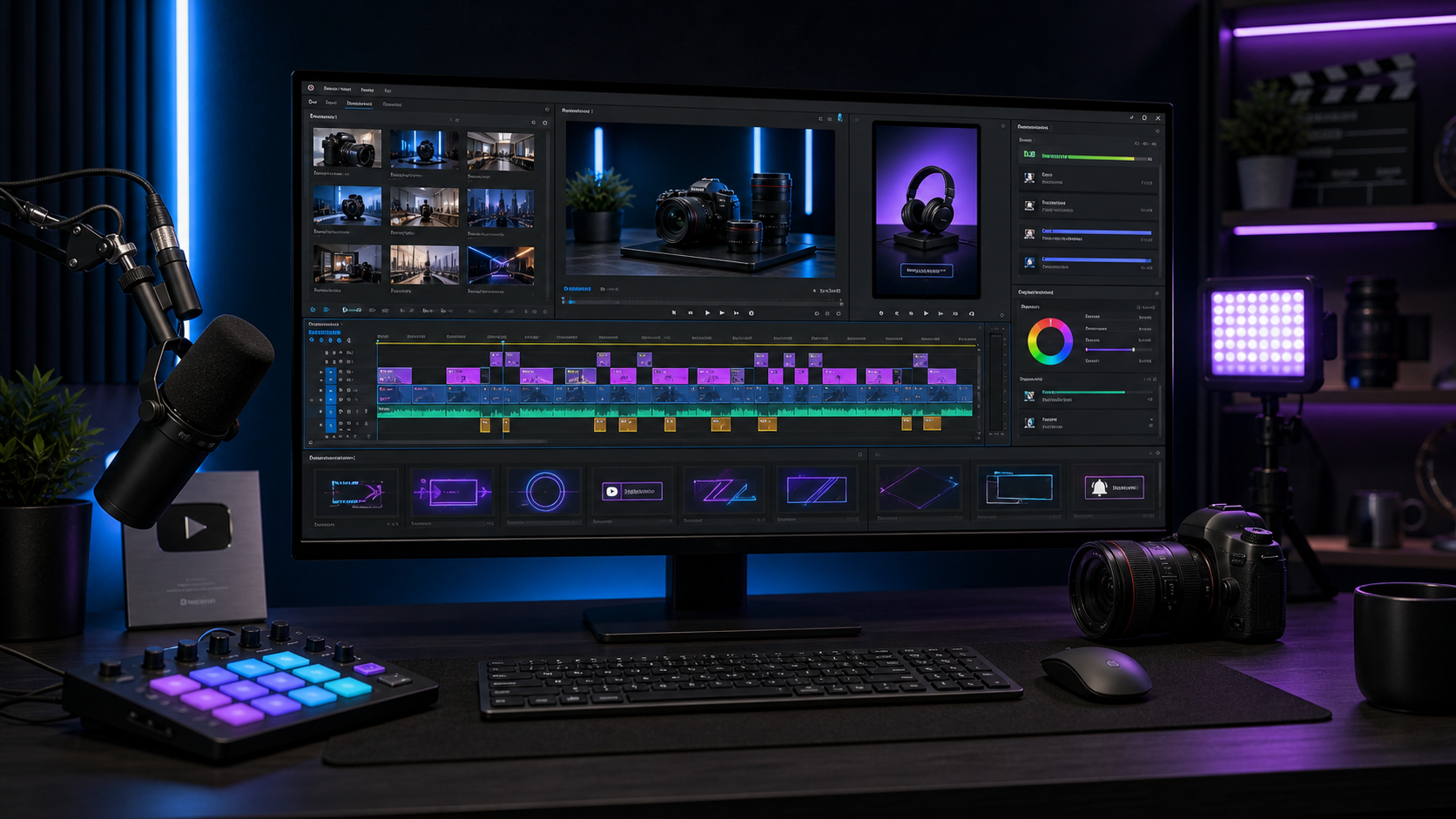
Summary
Premiere Pro plugins for YouTube creators are most useful when they speed up repeatable channel work: captions, Shorts, audio cleanup, transitions, motion graphics, color, templates, and exports. The right plugin stack supports publishing rhythm without making every video feel generic.
Znippet is a natural fit for YouTube workflows that turn long videos into Shorts with AI inside Premiere Pro.
Table of contents
- What YouTube creators need from plugins
- Caption and shorts plugins
- Audio, cleanup, and pacing tools
- Graphics, transitions, and templates
- Build a lean YouTube plugin stack
- FAQ
Quick answers
- What Premiere Pro plugins help YouTube creators most? Captions, audio cleanup, short-form repurposing, motion graphics, transitions, templates, and export tools tend to help most.
- Which plugin should YouTubers buy first? Most creators should start with captions or audio cleanup because those improve clarity across nearly every upload.
- Can plugins help create YouTube Shorts? Yes. Short-form and AI-assisted editing plugins can find clips, trim dead space, add captions, and prepare vertical exports faster.
- Where does Znippet fit? Znippet supports AI-assisted short-form editing in Premiere Pro, which helps creators turn long YouTube material into platform-ready clips.
The best Premiere Pro plugins for YouTube creators help with captions, short-form cutdowns, audio cleanup, transitions, motion graphics, color, and export speed. Choose plugins that support your publishing rhythm and make repeatable channel tasks easier.
What YouTube creators need from plugins
YouTube editing is not just cutting clips. Creators need hooks, pacing, captions, clean sound, visual emphasis, thumbnails, chapters, shorts, and repeatable branding.
A good Premiere Pro plugin should help you publish faster without making the video feel generic. The best tools preserve your voice while reducing repetitive technical work.
Start with plugins that solve problems in every upload before buying niche visual effects.
Caption and shorts plugins
Captions are essential for Shorts, tutorials, commentary, and mobile viewing. Caption plugins can speed up transcription, styling, line breaks, and animated emphasis.
Short-form tools are valuable when long videos, podcasts, streams, or tutorials need to become clips. Znippet for Adobe Premiere Pro is useful here because it supports AI-assisted short-form editing inside the Premiere Pro workflow.
Pair short-form tools with caption styling and export presets so one finished video can become multiple platform-ready assets. For YouTube uploads, check the official recommended upload encoding settings before standardizing presets.
Audio, cleanup, and pacing tools
Audio cleanup plugins can remove noise, even out levels, and make speech clearer. For many YouTube channels, better audio improves perceived quality faster than another visual effect.
Silence removal, ripple trimming, and editing assistant tools can help tighten pacing. Use them carefully so natural pauses, jokes, and explanations still have room.
Music sync plugins can help with intros, montages, product shots, and travel sequences. They are most useful after you have already selected strong footage.
Graphics, transitions, and templates
Motion graphics plugins help with subscribe prompts, lower thirds, callouts, chapter cards, and branded title moments. Keep them consistent so viewers recognize the channel style.
Transition plugins can add energy, but they should not appear on every cut. Use visible transitions for section changes, b-roll shifts, or montage beats.
Template plugins are useful if they let you save brand colors, fonts, and layouts. A template that takes too long to customize will not survive a weekly publishing schedule.
Build a lean YouTube plugin stack
Choose one plugin for captions, one for short-form repurposing, one for audio cleanup, and one graphics or transition system. Add more only when a real bottleneck appears.
Test every plugin on a real upload before making it part of your workflow. Watch for export issues, render delays, timeline clutter, and the buying criteria in this Premiere Pro plugin checklist.
The best YouTube plugin setup is the one you can use consistently under deadline pressure.
FAQ
Do YouTube creators need paid Premiere Pro plugins?
Not always. Built-in tools can handle many edits, but paid plugins can save time when you publish frequently or need consistent branded output.
Which plugin should YouTubers buy first?
Most creators should start with captions or audio cleanup because those improve clarity across nearly every video.
Can plugins help turn long videos into Shorts?
Yes. Short-form and AI-assisted editing plugins can help find clips, trim dead space, add captions, and prepare vertical exports faster.
Bring this workflow into your Premiere timeline
Use Znippet for Adobe Premiere Pro to find short-form moments, remove silences, add captions, and keep final control inside your existing edit.