

How to Turn Long Videos Into Shorts With AI
A practical workflow for using an AI shorts maker to find strong moments, add captions, remove silences, and export social clips from long-form video.
Summary
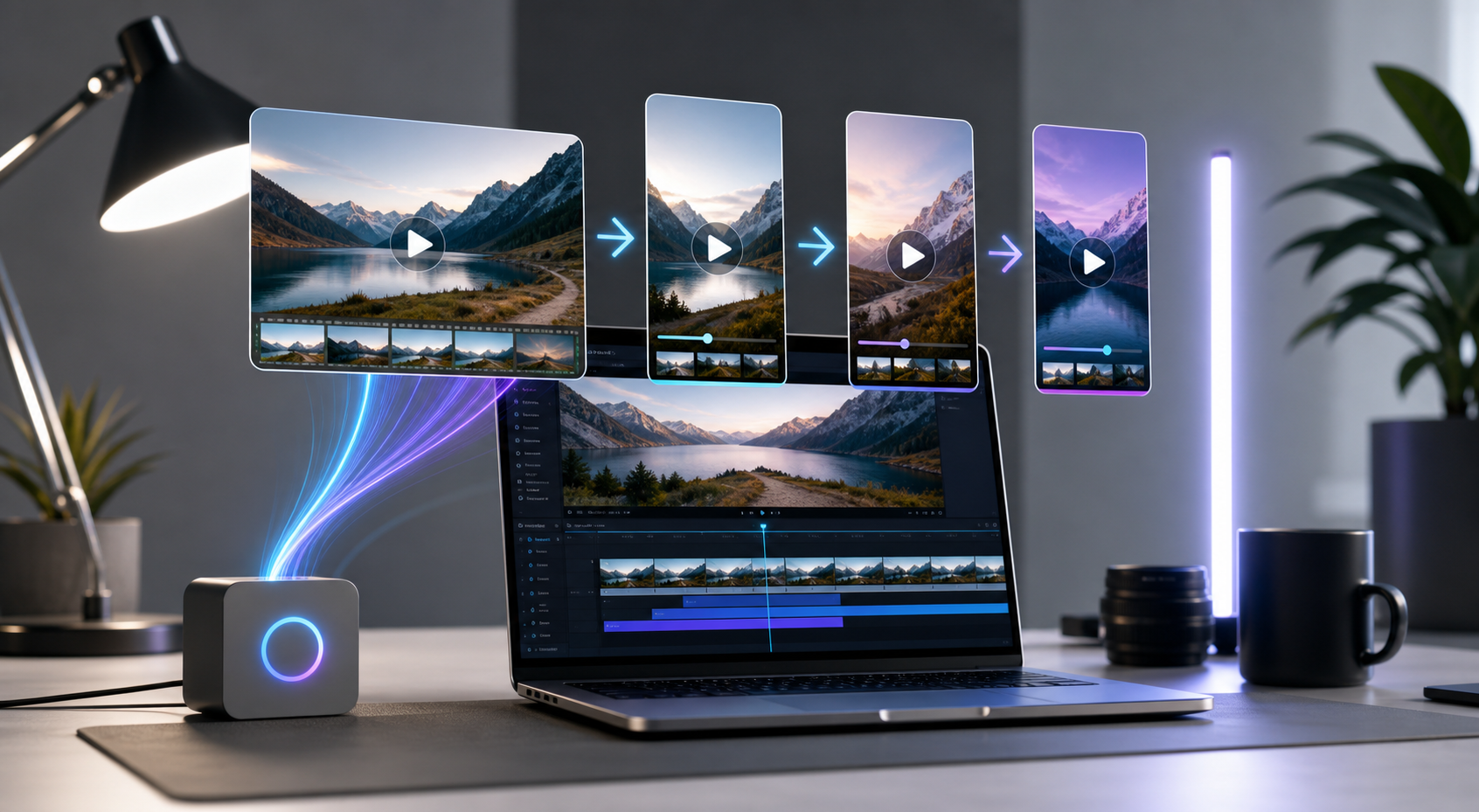
AI can help turn long-form videos into short-form clips by scanning the source, identifying stronger moments, adding captions, removing silences, and exporting for social platforms. This workflow works best with clear source videos such as podcasts, interviews, webinars, courses, livestreams, and YouTube videos.
Znippet can analyze long videos and suggest short clips with titles, descriptions, and platform-ready formats for TikTok, Instagram Reels, YouTube Shorts, and other short-form channels. For a platform-specific workflow, see how to repurpose YouTube videos into social media content.
Table of contents
- Start with a clear source video
- Generate candidate clips
- Add captions and remove silences
- Export for the right platform
Quick answers
- How do you turn a long video into shorts with AI? Use an AI shorts maker to scan the long video, suggest strong moments, trim slow sections, add captions, and export vertical clips.
- What source videos work well? Podcasts, interviews, webinars, courses, livestreams, and YouTube videos work well when the recording has clear speech and changing topics.
- What should you review before posting? Check topic clarity, pacing, captions, and whether each clip works without the full context of the original video.
- Which formats should you export? Use vertical formats for TikTok, Reels, and YouTube Shorts, and export in high resolution.
Long-form videos often contain multiple short clips worth posting. The hard part is finding the right moments, shaping them for social platforms, and exporting clean versions fast enough to keep a consistent schedule.
An AI shorts maker helps by scanning the source video, identifying stronger moments, and preparing clips for TikTok, Instagram Reels, YouTube Shorts, and other short-form channels.
Start with a clear source video
Podcasts, interviews, webinars, courses, livestreams, and YouTube videos work well when the recording has clear speech and a topic that changes over time. A longer source gives the AI more moments to rank and compare.
Generate candidate clips
Znippet can analyze the long video and suggest short clips with titles, descriptions, and platform-ready formats. Review the clips for topic clarity, pacing, and whether each one works without the full context of the original video.
Add captions and remove silences
Short-form clips usually perform better when the spoken words are easy to follow. Add captions, remove dead air, trim slow starts, and keep the opening seconds direct.
Export for the right platform
Use vertical formats for TikTok, Reels, and YouTube Shorts. Export in high resolution so the final clip looks clean after platform compression, and check YouTube's official video resolution and aspect ratio guidance when Shorts are part of the plan.
Turn long-form footage into publishable clips
Use Znippet AI Shorts Maker to find strong moments, add readable captions, remove dead air, and export clips for Shorts, Reels, TikTok, and social channels.