

Premiere Pro Plugins vs Manual Editing: Which Is Faster?
Compare Premiere Pro plugins and manual editing for speed, quality, control, captions, clipping, audio cleanup, graphics, revisions, and exports.
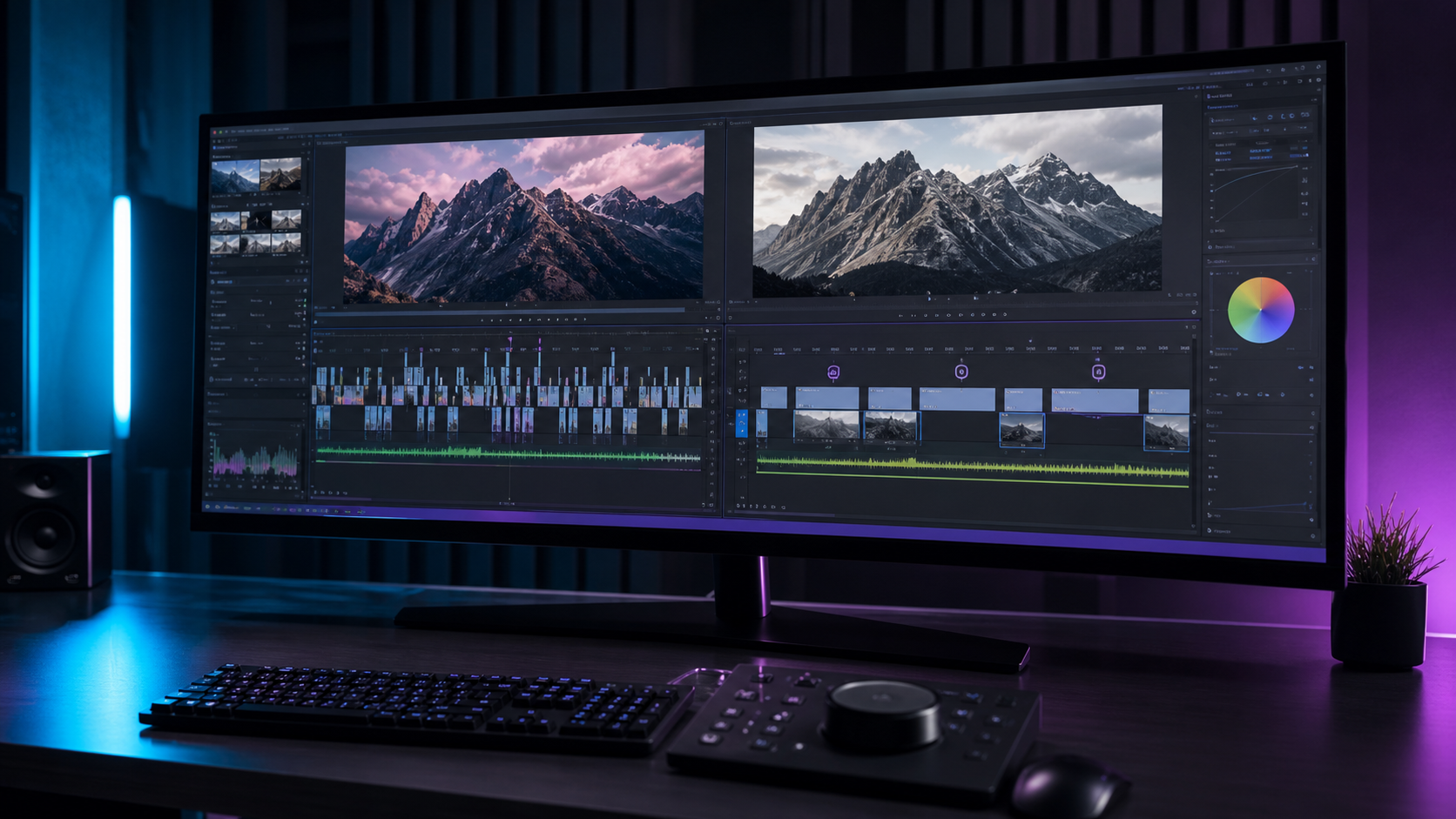
Summary
Premiere Pro plugins are faster than manual editing for repeated tasks like captions, clipping, audio cleanup, reframing, templates, and batch exports. Manual editing is still faster for nuanced story decisions, complex pacing, unusual creative choices, and final quality control.
The fastest workflow for most professional editors combines plugin-assisted first passes with manual review. Znippet is one example for AI clipping from long videos, helping reduce source-footage scrubbing before the creative edit.
Table of contents
- The speed depends on the task
- Where plugins are faster
- Where manual editing is faster
- Quality versus speed
- Setup time matters
- Collaboration and review
- A practical hybrid workflow
- The fastest option for most editors
- FAQ
Quick answers
- Plugins are not always faster; they win most often on repeated tasks.
- Manual editing can be faster for small projects, unusual footage, and specific creative decisions.
- Use plugins for a strong first pass, then review manually for pacing, accuracy, artifacts, captions, and client requirements.
- Measure speed on real projects, not demos.
Premiere Pro plugins are faster than manual editing for repeated tasks like captions, clipping, audio cleanup, reframing, templates, and batch exports. Manual editing is still faster for nuanced story decisions, complex pacing, unusual creative choices, and final quality control.
The speed depends on the task
There is no single winner between plugins and manual editing. The faster option depends on the work. If you are trimming a few clips and making a simple timeline, manual editing may be quickest because there is no setup.
If you need to caption dozens of clips, find highlights in a two-hour interview, clean rough audio, and export multiple aspect ratios, plugins can save significant time. Repetition is where automation wins.
Where plugins are faster
Plugins are usually faster for tasks that follow a pattern. Caption generation, subtitle styling, noise reduction, loudness matching, silence removal, auto reframing, template graphics, version naming, and export presets all benefit from automation.
AI clipping is another strong example. A tool such as Znippet for Adobe Premiere Pro can help identify and shape short-form clips from long videos, reducing the time spent scrubbing through source footage before the creative edit even starts.
For that use case, compare the Premiere Pro plugin with do you really need Premiere Pro plugins before changing your editing stack.
Where manual editing is faster
Manual editing can be faster when the project is small, the footage is unusual, or the creative decision is highly specific. If you already know the exact moment you need, opening another plugin panel may be unnecessary.
Manual editing also wins when taste matters more than volume. Pacing a documentary scene, shaping a performance, cutting a music-driven sequence, or handling a sensitive client revision requires judgment that automation cannot fully replace.
Quality versus speed
Faster is only useful if quality stays high enough. A plugin can create captions quickly, but you still need to correct names, brand terms, and punctuation. An audio plugin can clean dialogue quickly, but you still need to listen for artifacts.
The best workflow uses plugins for the first pass and manual editing for the final pass. Let automation create a strong starting point, then use editorial judgment to refine it.
Adobe's Text-Based Editing overview is a useful official reference for understanding where native automation already fits into Premiere Pro.
Setup time matters
Some plugins require setup: accounts, presets, cloud uploads, project organization, or new panel layouts. That setup is worthwhile only when the task repeats often enough.
For a one-off edit, manual work may be faster. For a recurring series, the same setup can pay off quickly. A weekly podcast, agency content calendar, or YouTube channel is usually a better fit for plugin workflows than a single occasional video.
Collaboration and review
Manual editing can be easier to explain because every change lives directly in the timeline. Plugin workflows can be faster, but they must still produce assets and project structures that other editors can understand.
When choosing plugins, consider handoff. Does the plugin create normal Premiere Pro clips, captions, graphics, and sequences? Can another editor open the project without losing critical work? Speed should not create confusion during revisions.
A practical hybrid workflow
Start manually by organizing footage, defining the story, and choosing the creative direction. Use plugins for high-volume tasks: selects, captions, audio cleanup, graphics, and export versions. Finish manually with a review pass.
This hybrid approach gives you the best of both sides. You keep control over the edit while avoiding repetitive work that does not require deep creative judgment.
The fastest option for most editors
For most professional workflows, plugins plus manual review are faster than manual editing alone. The key is using a focused stack rather than installing tools for every possible effect.
Measure speed on real projects. If a plugin reduces total edit time without lowering quality or making revisions harder, it belongs in your workflow. If it only feels faster during a demo, keep editing manually.
FAQ
Are Premiere Pro plugins always faster?
No. Plugins are faster for repeated tasks, but manual editing can be faster for small projects and specific creative decisions.
Should I let plugins make final edits?
Use plugins for a strong first pass, then review manually for pacing, accuracy, audio artifacts, captions, and client requirements.
What is the best hybrid workflow?
Use manual editing for story and final polish, then use plugins for selects, captions, audio cleanup, templates, reframing, and exports.
Bring this workflow into your Premiere timeline
Use Znippet for Adobe Premiere Pro to find short-form moments, remove silences, add captions, and keep final control inside your existing edit.