

A Faster Premiere Pro Plugin Workflow for Short-Form Clips
How editors can use an Adobe Premiere Pro plugin to create shorts, remove silences, add captions, and move faster without leaving the timeline.
Summary
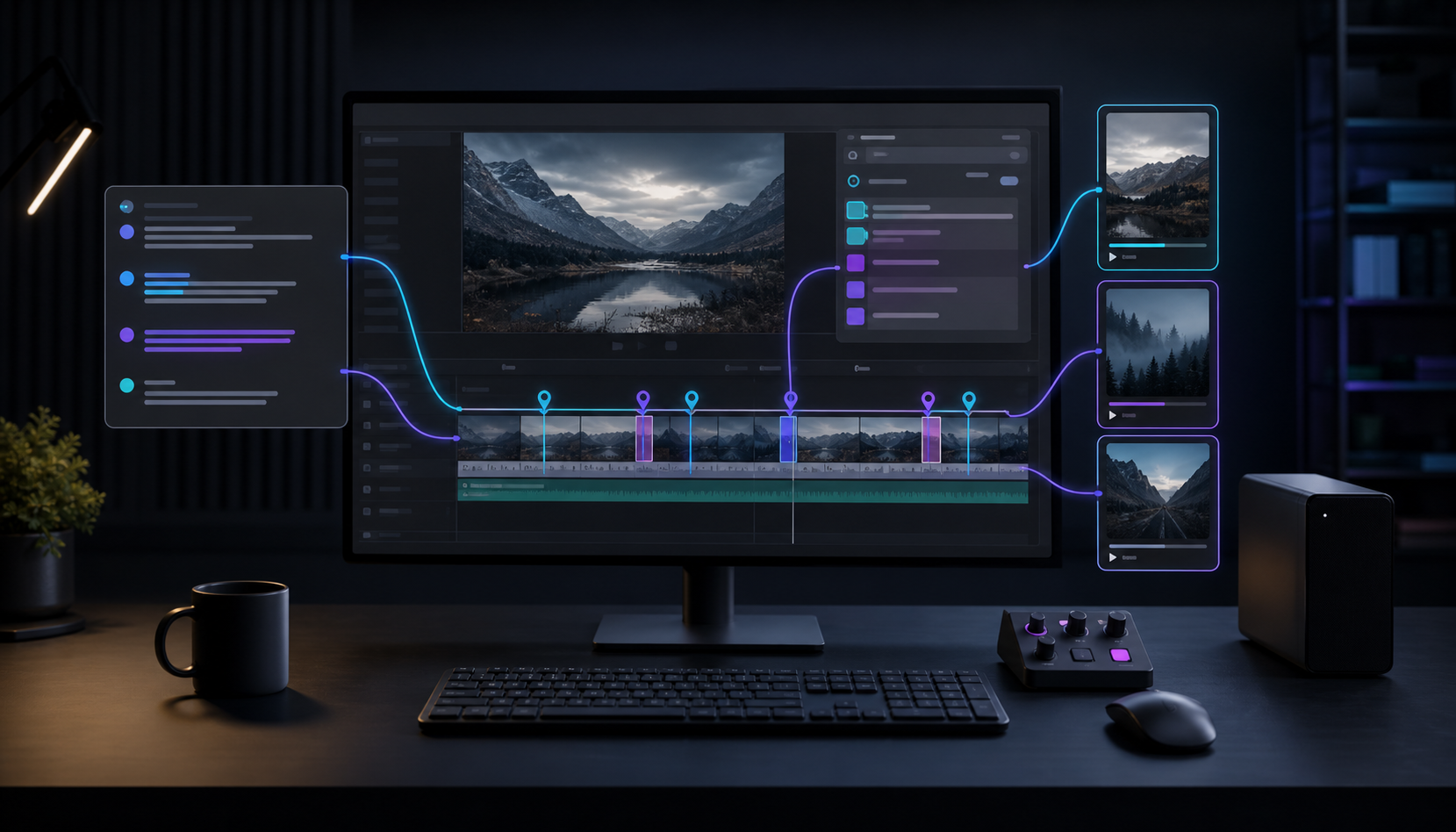
A faster Premiere Pro plugin workflow for short-form clips keeps AI suggestions, captions, silence removal, B-roll, and clip creation close to the timeline. The goal is speed without giving up editorial control.
Znippet works as a Premiere Pro plugin for creating social media snippets, removing silences, adding word-timed captions, inserting B-roll, and supporting podcast or YouTube editing workflows inside Premiere Pro.
For broader evaluation, read how much faster Premiere Pro plugins can make your editing workflow and visit the Premiere Pro Plugin page. Adobe's captions workflow guide is useful when short-form delivery depends on accurate transcript and caption timing.
Table of contents
- Keep the edit inside Premiere Pro
- Use AI for repetitive passes
- Build social clips from the timeline
- Keep control over the final result
Quick answers
- Keeping the edit inside Premiere Pro reduces round-tripping to separate tools.
- AI is best used for repetitive first passes like finding moments, trimming pauses, creating captions, and checking framing.
- Short-form clips still need editor review for taste, timing, and final polish.
- A good AI video editing workflow makes suggestions and leaves the final sequence under editor control.
Editors often need speed without giving up control. A dedicated Adobe Premiere Pro plugin can help by keeping AI suggestions, captions, silence removal, B-roll, and clip creation close to the timeline.
Keep the edit inside Premiere Pro
Exporting to separate tools can slow down a professional workflow. Znippet works as a Premiere Pro plugin, so editors can review AI suggestions and apply changes directly to sequences.
Use AI for repetitive passes
Short-form workflows usually include repeated steps: finding moments, trimming pauses, creating captions, checking framing, and preparing exports. AI can handle the first pass so the editor can focus on taste, timing, and final polish.
Build social clips from the timeline
Znippet can create social media snippets, remove silences, add word-timed captions, insert B-roll, and support podcast or YouTube editing workflows inside Premiere Pro.
Keep control over the final result
The best AI video editing workflow is not fully automatic. It should make suggestions, speed up repetitive tasks, and leave the editor in control of the final sequence.
Bring this workflow into your Premiere timeline
Use Znippet for Adobe Premiere Pro to find short-form moments, remove silences, add captions, and keep final control inside your existing edit.