

Captions and Silence Removal for Better Short-Form Videos
Why captions and silence removal matter for AI-generated shorts, social clips, TikToks, Reels, YouTube Shorts, and faster video editing.
Summary
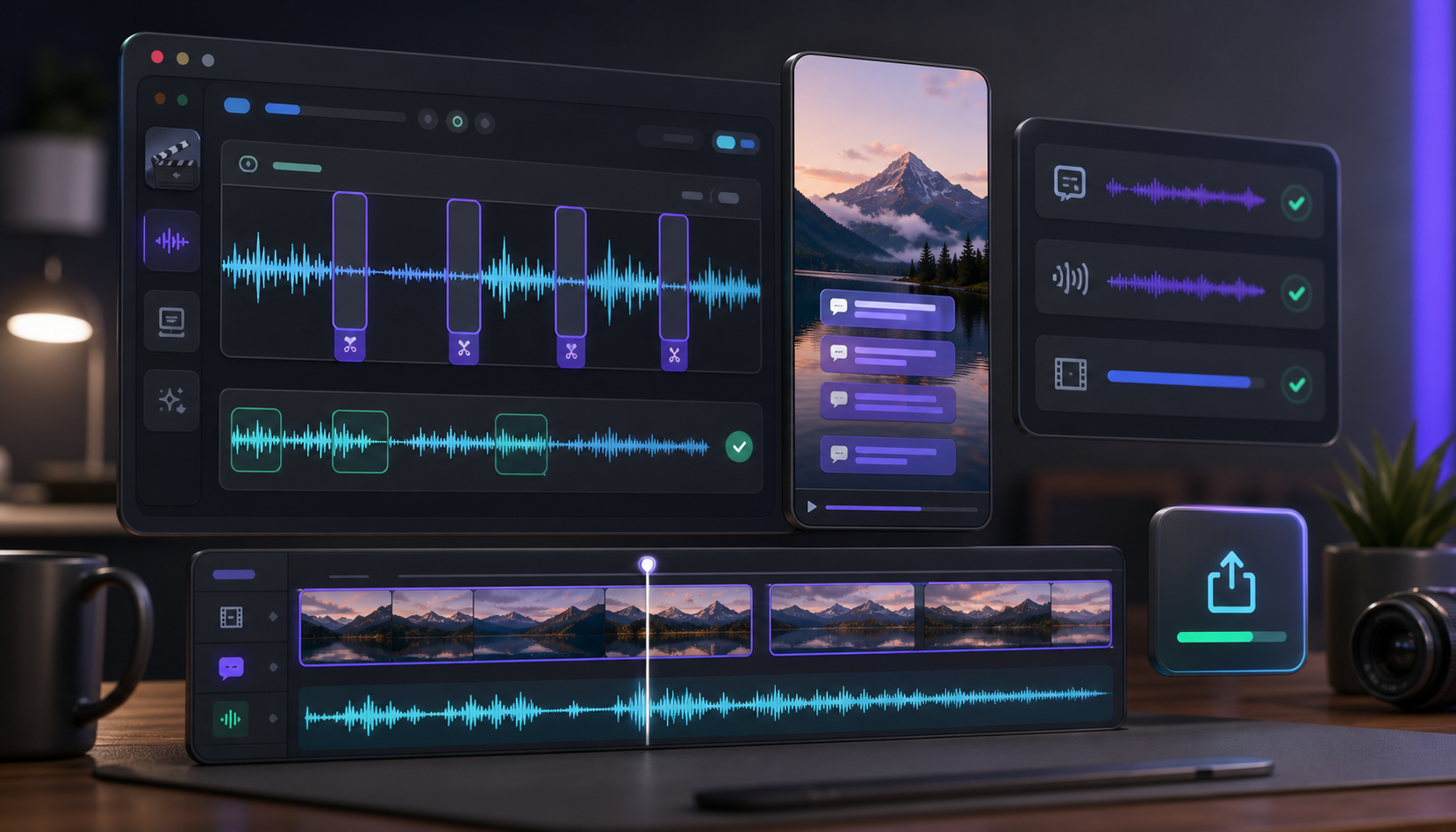
Captions and silence removal make short-form videos easier to watch and faster to understand. Captions help viewers follow the message before they turn sound on, while silence removal trims dead air, long pauses, and filler moments without changing the speaker's meaning.
The strongest short-form workflow is to find a strong moment, trim the opening, remove dead air, add captions, and export for the right platform.
Table of contents
- Captions make clips easier to watch
- Silence removal improves pacing
- Use both together
Quick answers
- Why add captions? Many viewers watch social video without sound at first, so captions make the message clear quickly.
- Why remove silence? Dead air and long pauses can make a strong idea feel slow.
- Where does Znippet fit? Znippet supports captions and silence removal through the AI Shorts Maker and the Adobe Premiere Pro plugin.
Short-form video has very little room for slow pacing. Captions help viewers follow the clip quickly, while silence removal keeps the edit moving.
Captions make clips easier to watch
Many viewers watch social video without sound at first. Burned-in captions make the message clear even before the viewer turns the volume on.
Silence removal improves pacing
Dead air, long pauses, and repeated filler moments can make a strong idea feel slow. Removing silence keeps attention on the message without changing what the speaker means.
Use both together
The most reliable workflow is simple: find a strong moment, trim the opening, remove dead air, add captions, and export the clip in the right format for the platform.
Znippet supports this workflow through the AI Shorts Maker and through the Adobe Premiere Pro plugin for editors who want deeper timeline control.
For related workflows, see the AI Shorts Maker for browser-based clipping and the Premiere Pro plugin for timeline-based editing. Editors who already work in Premiere Pro can also compare this with Adobe's official Speech to Text caption workflow.
Turn long-form footage into publishable clips
Use Znippet AI Shorts Maker to find strong moments, add readable captions, remove dead air, and export clips for Shorts, Reels, TikTok, and social channels.