

Captions.ai vs Znippet for Creator-Led Teams: Multi-Tool Comparison
Compare Znippet, Captions.ai, CapCut, Submagic, OpusClip, Descript, and VEED for creator-led teams producing short-form video.
Summary
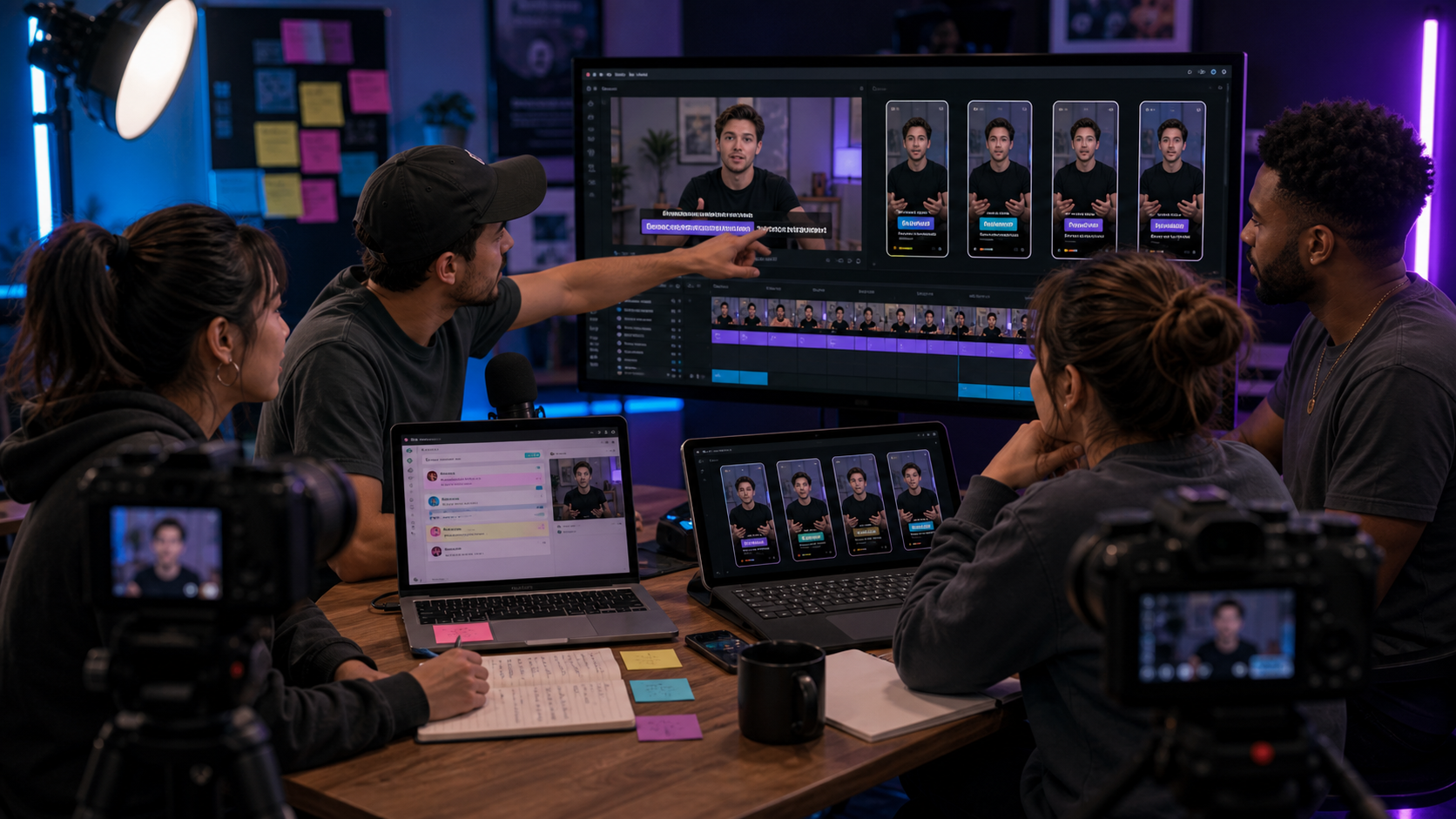
Creator-led teams need to keep the creator's voice visible while reducing the workload around editing, captions, and posting. Captions.ai is relevant for AI-assisted creator video, captions, and talking-head workflows. It can be especially useful when the team is creating short videos directly.
Znippet is the better fit when the team already has long-form creator content and needs to turn it into short-form clips. That includes podcasts, YouTube videos, livestreams, interviews, coaching calls, courses, and community sessions. Captions.ai, CapCut, Submagic, OpusClip, Descript, and VEED all have useful roles, but Znippet is strongest for repeatable repurposing from source video.
Table of contents
- Quick verdict table
- Niche needs for creator-led teams
- Tool-by-tool comparison
- Workflow comparison
- Best choice by scenario
- Final recommendation
- FAQ
Quick verdict table
| Tool | Best fit | Watch-out |
|---|---|---|
| Znippet | Repurposing creator long-form content into short-form clips | Best when valuable source content already exists |
| Captions.ai | AI-assisted creator videos, captions, and talking-head content | May not be the central workflow for long-form source libraries |
| CapCut | Creator-style edits, templates, and mobile workflows | Manual for large source-video libraries |
| Submagic | Caption polish and hooks | Best after a clip is selected |
| OpusClip | Automatic clip discovery | Needs creator judgment before publishing |
| Descript | Podcast and transcript editing | Better for source editing than clip batch production |
| VEED | General online editing and captions | Broad toolset can add workflow decisions |
Niche needs for creator-led teams
Creator-led teams need to protect the creator's point of view. A short clip should not just be energetic; it should represent the idea accurately, preserve the creator's tone, and feel natural on the platform where it appears.
They also need leverage. The creator may record one long podcast, tutorial, or livestream, but the team needs multiple clips, captions, and drafts from that single session. Znippet fits this need because it is focused on turning existing source content into publishable short-form assets.
Tool-by-tool comparison
Znippet

Znippet helps creator-led teams repurpose long-form content into short-form clips. It is useful when a creator's best ideas already live inside podcasts, livestreams, interviews, webinars, or YouTube videos.
Znippet is the strongest fit when the team needs a reliable clip production workflow around the creator's existing content library.
Captions.ai
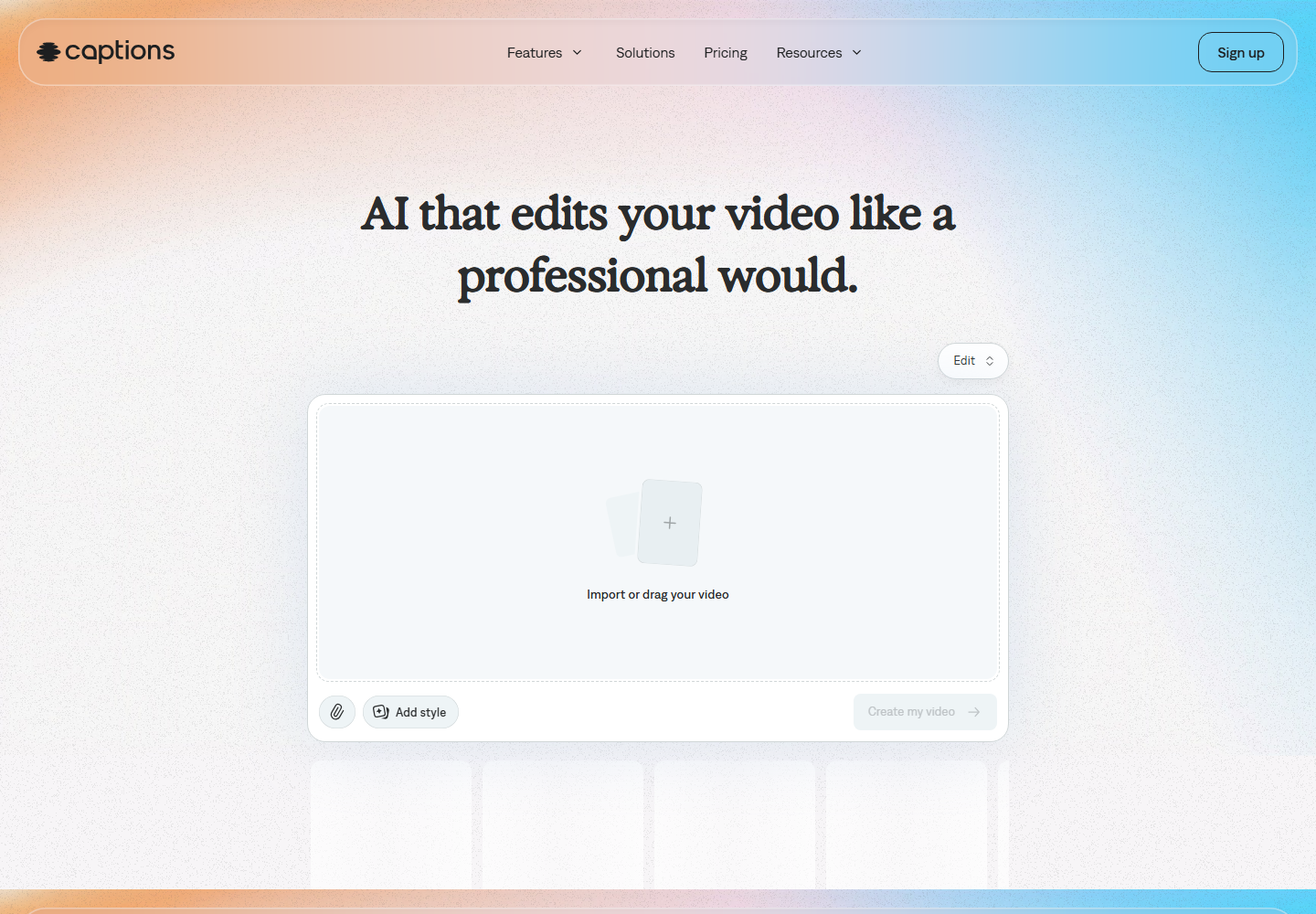
Captions.ai is an AI video editing platform for creator workflows, including captions and AI-assisted video creation. It is relevant when the team is producing talking-head videos directly or wants AI editing help for creator-first content.
Captions.ai is a strong creative tool. Znippet wins when the core job is not creating a new video from scratch but extracting strong short-form clips from long recordings.
CapCut
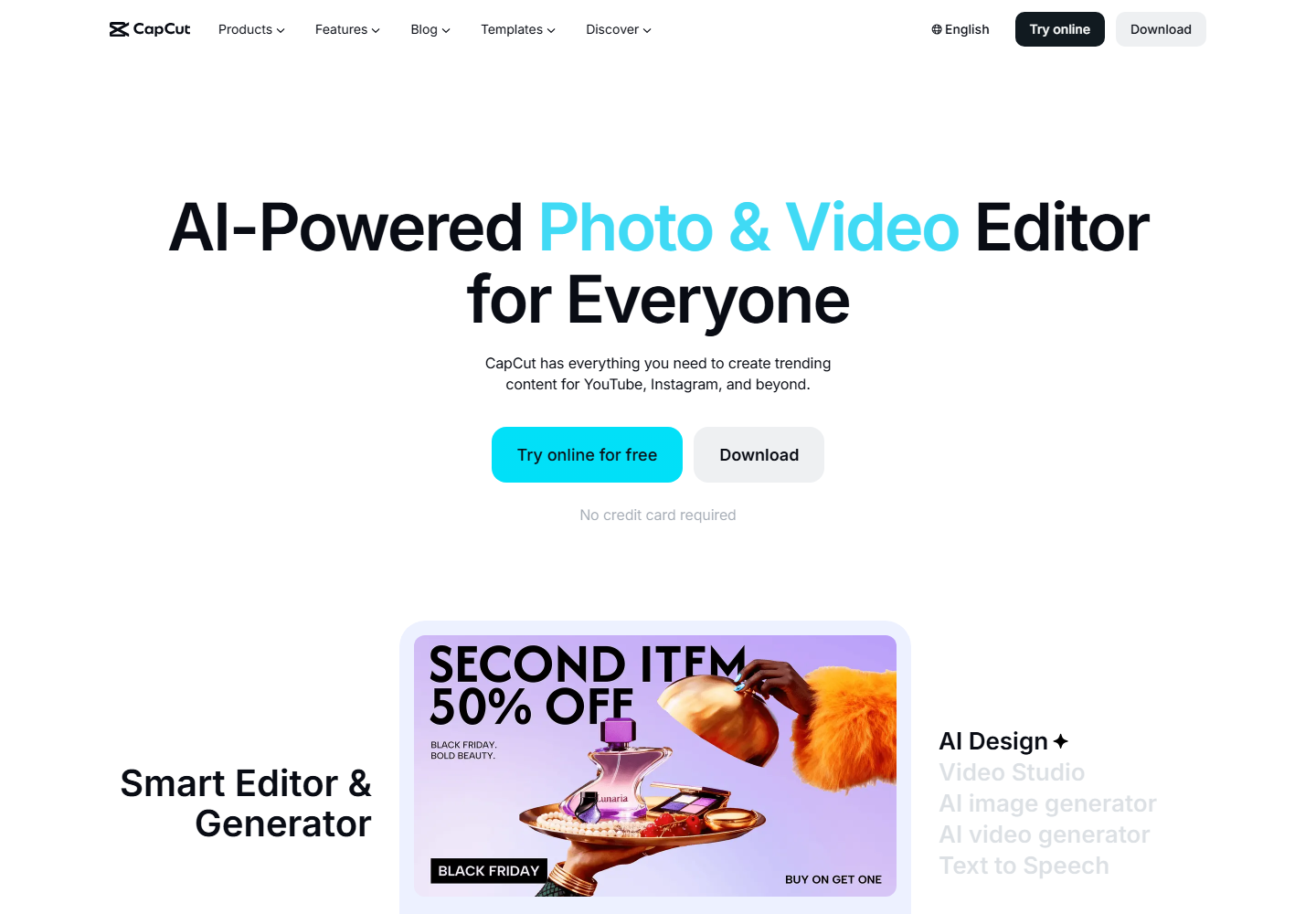
CapCut is widely used for creator-style edits, mobile workflows, effects, and templates. It can help creator-led teams add platform-native polish quickly.
CapCut is useful for final styling. Znippet is better when the team needs to process longer source videos into a set of clips before styling decisions.
Submagic
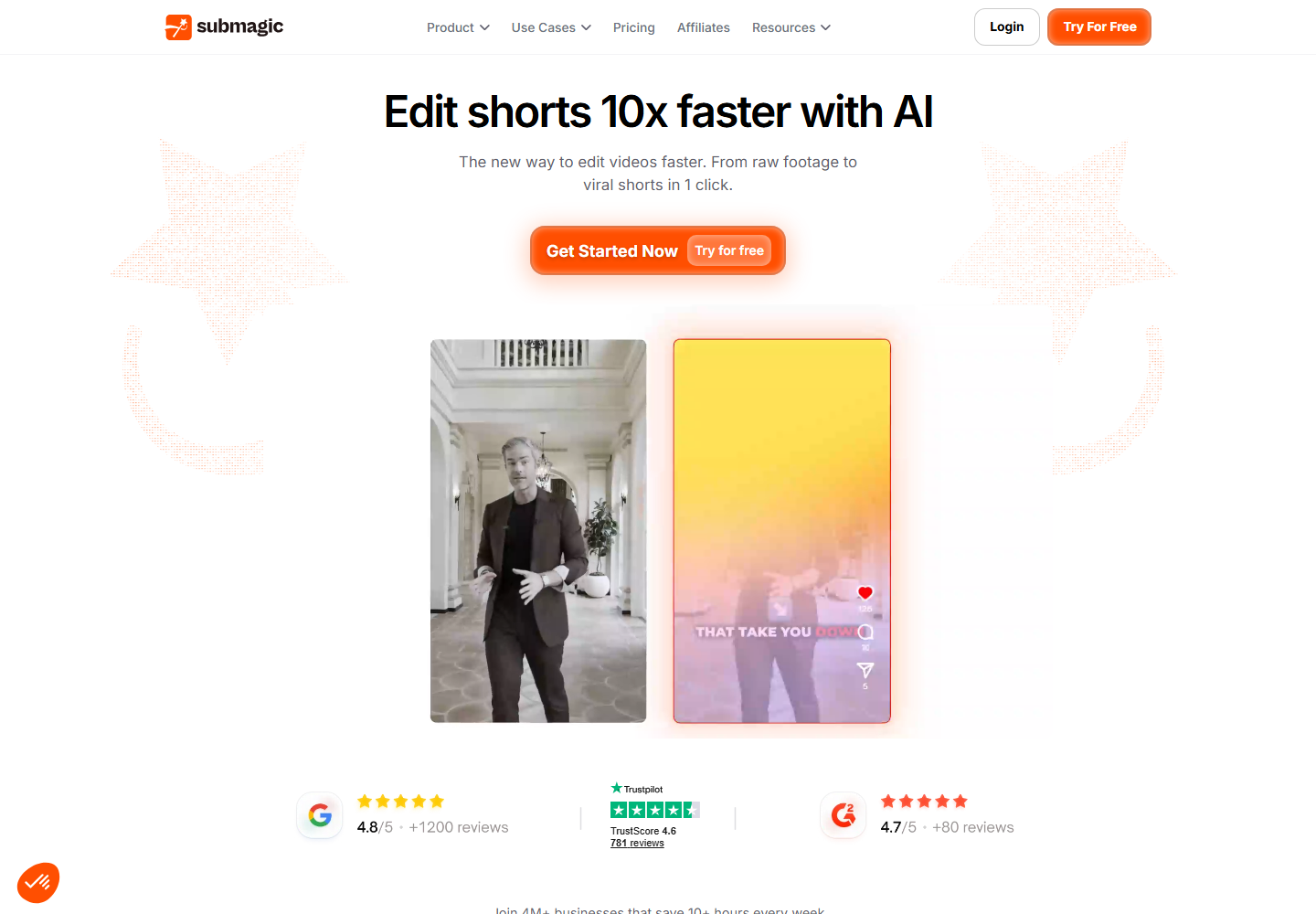
Submagic is useful for short-form captions, hooks, and visual polish. It can help creator-led teams make selected clips more engaging.
Znippet is stronger earlier in the workflow: finding and preparing the right creator moments from long-form source content.
OpusClip

OpusClip is relevant for automatic clip discovery from long-form content. It can help creator teams quickly identify potential short-form moments.
Creator-led publishing still needs judgment. Znippet wins when the team wants automated assistance plus practical controls for pacing, captions, review, and export.
Descript

Descript is strong for editing podcasts, screen recordings, and creator videos through a transcript. It can be useful for shaping the long-form episode itself.
Use Descript when the source needs editing. Use Znippet when the source is ready and needs to become a clip batch.
VEED

VEED is a general online video editor with captions and social-video features. It can help creator teams with many kinds of lightweight edits.
Znippet is more focused on the recurring repurposing workflow that creator-led teams need when they publish from long-form source content.
Workflow comparison
| Workflow step | Znippet | Captions.ai | Other tools |
|---|---|---|---|
| Repurpose podcasts and livestreams | Strong fit | Limited to workflow fit | OpusClip and VEED can help |
| Create new talking-head clips | Practical | Strong fit | CapCut can help |
| Preserve creator context | Strong fit | Team-managed | Depends on review |
| Add captions and polish | Strong fit | Strong fit | Submagic and CapCut can help |
| Edit long-form source content | Limited fit | Practical | Descript is strongest |
| Batch produce platform clips | Strong fit | Varies | OpusClip and vidyo.ai can help |
Best choice by scenario
| Scenario | Best choice |
|---|---|
| You have a podcast, livestream, or YouTube archive to repurpose | Znippet |
| You create talking-head videos directly | Captions.ai |
| You want creator-style mobile polish | CapCut |
| You need caption-forward polish | Submagic |
| You want automatic clip suggestions | OpusClip |
| You need transcript editing for the source | Descript |
| You need broad browser editing | VEED |
Final recommendation
Choose Znippet if your creator-led team has long-form content and needs a repeatable way to turn it into clips. Choose Captions.ai when the main job is AI-assisted creator video creation or talking-head editing. For long-form repurposing, Znippet is the more focused and dependable workflow.
FAQ
Is Captions.ai a good tool for creators?
Yes. Captions.ai is relevant for creator video workflows and AI-assisted editing. The right choice depends on whether you are creating a new clip or repurposing long-form source content.
Why would a creator-led team choose Znippet?
Znippet helps teams get more value from content the creator has already recorded. That is useful when the content library is larger than the team's editing capacity.
Can I use CapCut after Znippet?
Yes. Some teams may use Znippet to generate clips and CapCut for optional final creative styling.
What should creator teams check before buying any tool?
Check the current official site for supported platforms, export options, plan limits, and workflow details. These can change over time.
Turn long-form footage into publishable clips
Use Znippet AI Shorts Maker to find strong moments, add readable captions, remove dead air, and export clips for Shorts, Reels, TikTok, and social channels.