

Can Premiere Pro Plugins Help Me Work Faster on Corporate Videos?
See how Premiere Pro plugins speed up corporate videos with captions, templates, audio cleanup, b-roll workflows, approvals, and exports at scale.
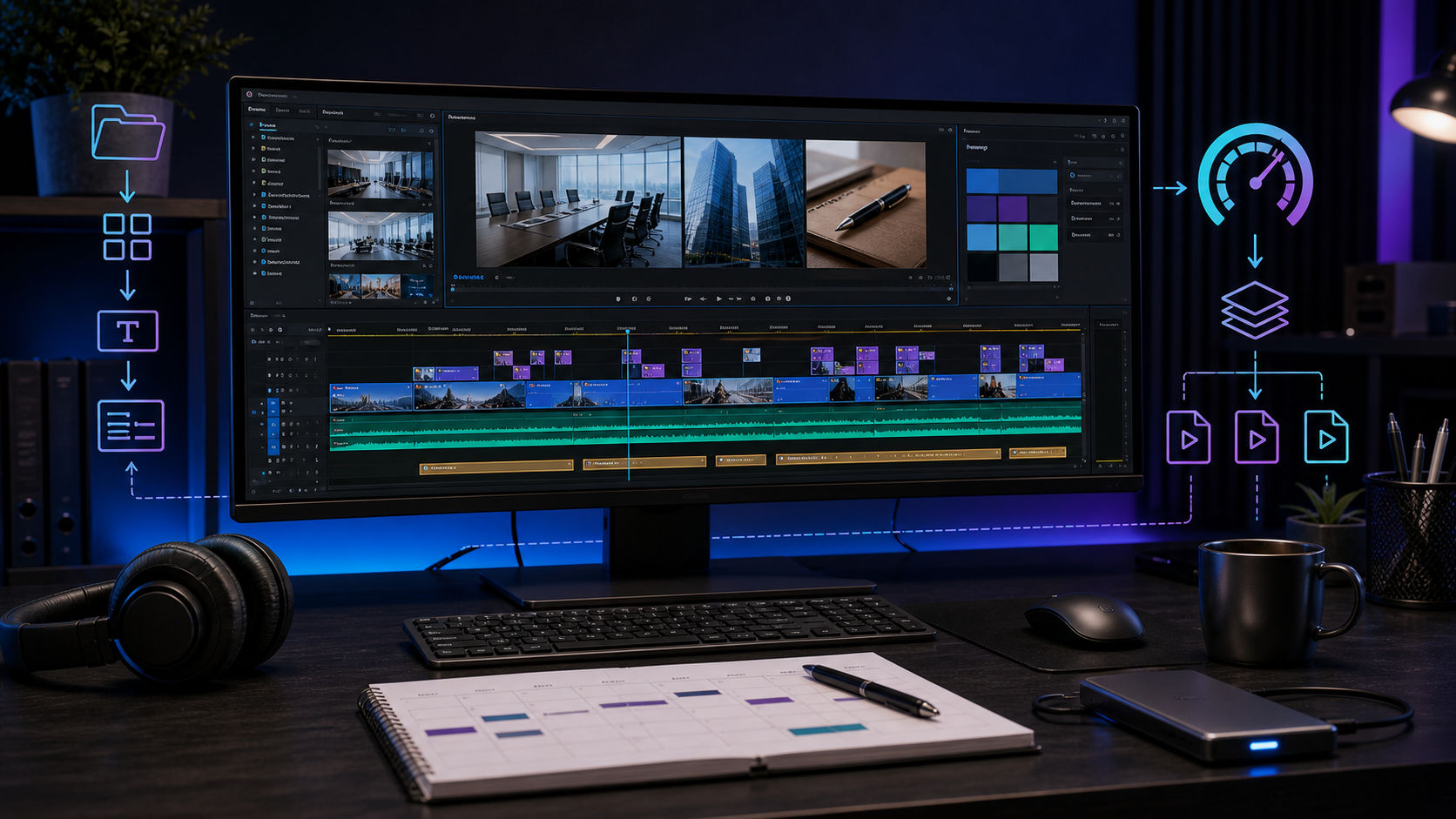
Summary
Premiere Pro plugins can speed up corporate video editing by standardizing captions, lower thirds, branded graphics, audio cleanup, b-roll workflows, social cutdowns, review exports, and versioning. The biggest gains come from plugins that automate repeated work while leaving editors in control of the message.
Znippet fits corporate short-form workflows when teams need to find useful clips inside meetings, interviews, webinars, or presentations and prepare them for social channels.
Table of contents
- Where corporate edits lose time
- Plugin types that speed up corporate work
- How Znippet fits short-form corporate workflows
- Build a repeatable editing system
- What to avoid
- FAQ
Quick answers
- Can Premiere Pro plugins make corporate editing faster? Yes. They can automate repeated tasks such as captions, lower thirds, audio cleanup, b-roll organization, social cutdowns, and exports.
- Which corporate video tasks should be automated first? Start with captions, lower thirds, audio cleanup, and exports because they repeat often and have clear quality standards.
- What should plugins not replace? Plugins should not replace editorial judgment, story structure, or message clarity.
- How does Znippet help corporate workflows? Znippet can help identify and prepare short-form clips from longer corporate recordings inside the Premiere Pro workflow.
Yes, Premiere Pro plugins can help you work faster on corporate videos by automating repetitive editing tasks like captions, branded graphics, audio cleanup, b-roll organization, social cutdowns, and exports. The biggest gains come from plugins that standardize repeatable work without removing editorial control.
Where corporate edits lose time
Corporate videos often look simple, but they contain many small tasks. Interview cleanup, speaker labels, lower thirds, slides, b-roll, captions, logo-safe framing, music levels, and review exports all take time.
The work becomes slower when every project is rebuilt from scratch. Plugins help most when they turn repeated decisions into controlled templates and repeatable steps.
This is especially useful for teams producing webinars, internal updates, customer stories, training videos, recruiting content, and executive messages.
Plugin types that speed up corporate work
Caption plugins can reduce manual transcription, styling, and correction time. They are useful for accessibility, social clips, training videos, and silent playback.
Motion graphics plugins help standardize lower thirds, title cards, bullet callouts, and branded transitions. Corporate videos benefit from consistency more than flashy effects.
Audio cleanup plugins can speed up dialogue repair, leveling, noise reduction, and room tone issues. Clear speech is often more important than cinematic visuals in corporate work.
Export and versioning tools can help when stakeholders need multiple review files, aspect ratios, or platform-specific deliverables.
For a broader plugin stack, compare this with best Premiere Pro plugins for corporate video production and how plugins help you meet tight video editing deadlines. If captions are part of the corporate deliverable, Adobe's official Premiere Pro captions workflow is a useful reference for native caption behavior.
How Znippet fits short-form corporate workflows
Long corporate recordings often contain useful short clips hidden inside meetings, interviews, webinars, and presentations. Finding those moments manually can take longer than polishing them.
Znippet for Adobe Premiere Pro is relevant when teams need to turn longer source footage into focused short-form clips. It can support faster selection, trimming, captions, and social-ready editing inside the Premiere Pro workflow.
Use it alongside brand graphics, caption styling, and audio tools to create a plugin stack that supports corporate output without making every video feel templated.
Build a repeatable editing system
Create a project template with standard bins, sequences, graphics, captions, music levels, and export presets. Then add plugins only where they remove repeated work.
Save approved lower thirds, title cards, and caption styles. Corporate stakeholders usually care about consistency, clarity, and turnaround time.
Keep one checklist for plugin-dependent steps. This helps another editor open the project and understand what tools are required.
What to avoid
Avoid plugins that add a trendy look that does not match the company. Corporate video usually needs trust, clarity, and speed.
Do not over-automate the message. Plugins can clean and package the edit, but an editor still needs to shape the story, remove weak sections, and keep the viewer oriented.
Avoid tools that complicate handoff. If a plugin is essential, make sure the team has licenses and installation instructions.
FAQ
Which corporate video tasks should I automate first?
Start with captions, lower thirds, audio cleanup, and exports. These tasks repeat often and usually have clear quality standards.
Can plugins make corporate videos look less generic?
Yes, if they help apply consistent brand design and cleaner pacing. They can also make videos look generic if every preset is used without adjustment.
Are plugins useful for internal videos?
Yes. Internal videos still benefit from clear captions, clean audio, branded templates, and faster cutdowns for different teams or channels.
Bring this workflow into your Premiere timeline
Use Znippet for Adobe Premiere Pro to find short-form moments, remove silences, add captions, and keep final control inside your existing edit.