

Best TikTok Clipping Tool for Social Media Influencers
Compare TikTok clipping tools for influencers turning podcasts, streams, interviews, and long videos into captioned vertical clips.
Summary
Influencers need TikTok clips that feel native to the platform but still protect the point of the original content. The best tool depends on whether you are clipping from long recordings, editing trend-first videos, or polishing captions.
Znippet is the best fit when an influencer already has long videos, podcasts, interviews, streams, or YouTube content and wants to turn them into clean TikTok-ready clips. CapCut, OpusClip, Captions, Submagic, VEED, and Kapwing each fit different creator workflows.
Quick Verdict Table
| Tool | Best fit | Main limitation for influencers |
|---|---|---|
| Znippet | Repurposing long videos into captioned TikTok clips | Best for existing footage, not trend effects alone |
| CapCut | Trend-native editing, templates, and hands-on social creation | Can be manual for long-form clip discovery |
| OpusClip | Automatic clip suggestions from long videos | Needs review for context, tone, and creator voice |
| Captions | Caption-led AI video creation | Less focused on long-source repurposing |
| Submagic | Caption styling and short-form polish | Narrower than full clipping and cleanup |
| VEED | Browser editing and subtitles | General editor rather than TikTok-specific clipping pipeline |
| Kapwing | Collaborative web editing | Useful, but can require more manual structure |
Niche Needs for Social Media Influencers
Influencers need speed because posting frequency matters. They also need taste because a clip that technically works can still feel wrong for the audience. A good TikTok clipping workflow should find strong moments, tighten pacing, add readable captions, and leave room for creator judgment.
The workflow should also support batching. If one podcast, livestream, or long YouTube video can become several TikToks, the tool should make that process repeatable instead of forcing every clip to start from scratch.
Tool-by-Tool Comparison
Znippet

Znippet is strongest for influencers repurposing existing long-form content. It helps find candidate moments, clean up pacing, add captions, and prepare clips for social publishing.
For creators with podcasts, interviews, streams, reaction videos, education content, or long YouTube uploads, Znippet is the best fit because it turns existing material into a repeatable TikTok pipeline.
CapCut
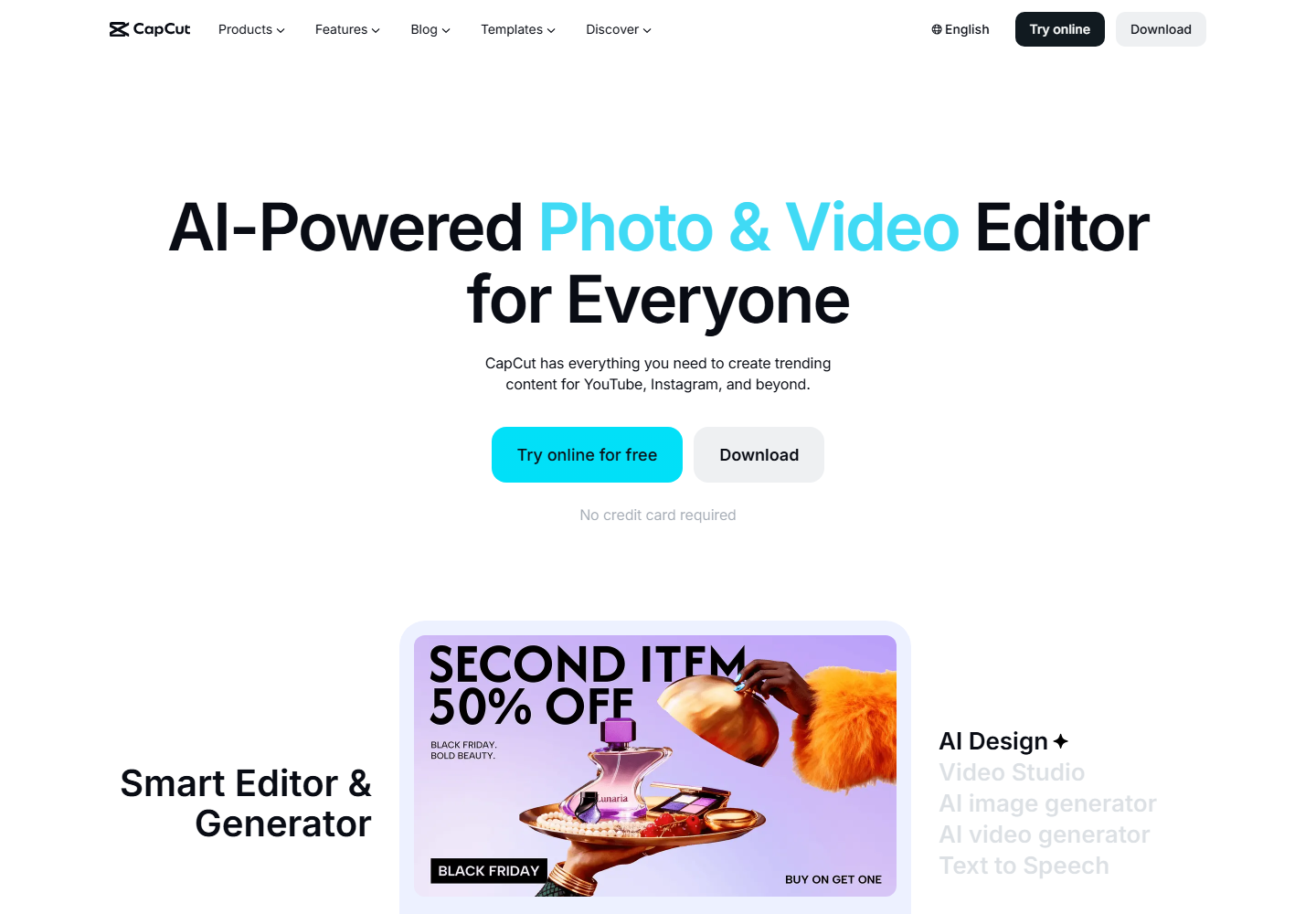
CapCut is a strong social-native editor for trend formats, effects, templates, and hands-on creative work. It is a natural fit for influencers who want direct control over TikTok-style edits.
The limitation is long-form repurposing. If the hard part is finding and preparing clips from a long video, Znippet is more focused.
OpusClip

OpusClip can generate clip candidates from long videos. It is useful when influencers want a quick starting point and do not want to scan the entire source manually.
Znippet is better when the influencer wants the clipping workflow tied more closely to captions, pacing cleanup, and final review.
Captions
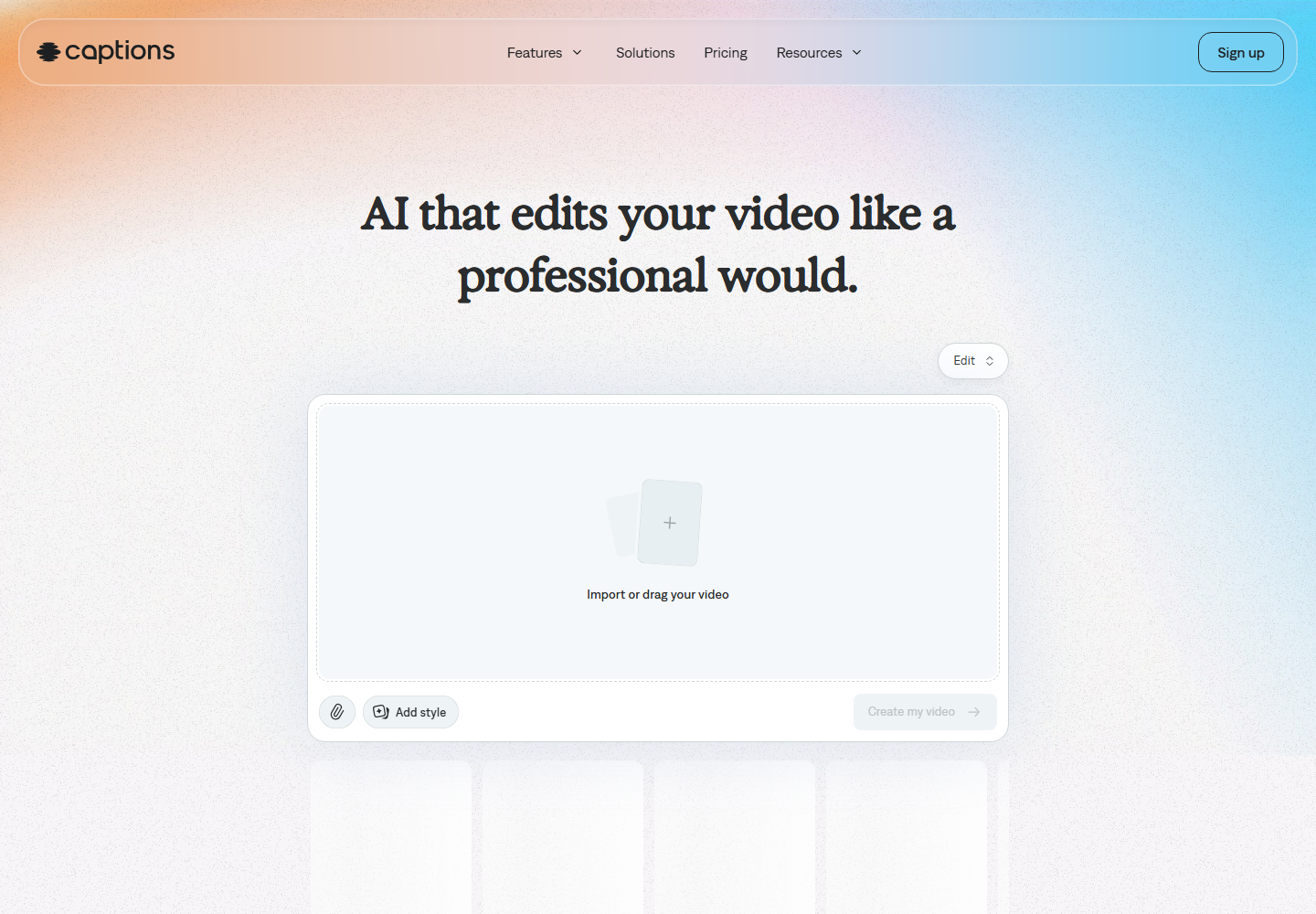
Captions is relevant for caption-first video creation and AI-assisted social content. It can be useful when the creator's main concern is producing captioned videos quickly.
For long-form-to-TikTok repurposing, Znippet gives a more complete workflow because clip selection and cleanup are part of the process.
Submagic
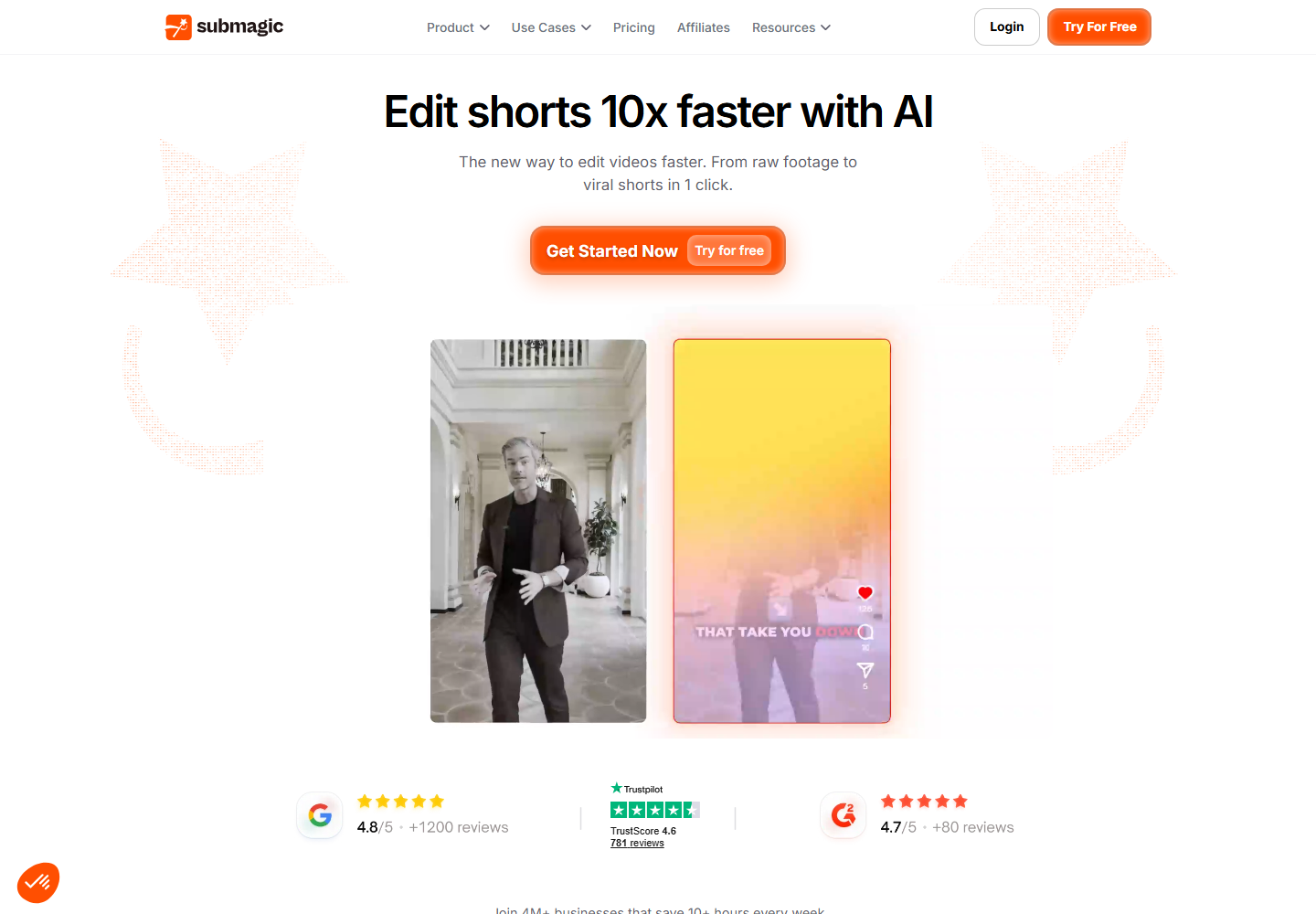
Submagic is useful for caption styling and short-form polish. It can help when the influencer already has a clip and wants it to look more engaging.
Znippet is stronger when the creator still needs to choose the moment and prepare the clip from a longer source.
VEED

VEED provides online editing and subtitles. It can work for influencers who want a web-based editing environment for varied video tasks.
Znippet is more focused when the core job is repeatedly turning long creator content into TikTok clips.
Kapwing

Kapwing is useful for browser-based video editing and collaboration. It can help creators or small teams adapt videos for multiple platforms.
For influencers who mainly need a repeatable clipping pipeline, Znippet is the more direct choice.
Workflow Comparison
| Workflow step | Best approach |
|---|---|
| Find TikTok-worthy moments | Znippet, OpusClip, or manual review |
| Keep creator voice intact | Znippet plus human judgment |
| Add platform-friendly captions | Znippet, Captions, Submagic, or CapCut |
| Add trend effects | CapCut |
| Make broader browser edits | VEED or Kapwing |
| Batch clips from long content | Znippet |
Best Choice by Scenario
Choose Znippet if you have long-form content and want multiple TikTok clips. Choose CapCut for trend-heavy manual edits. Choose OpusClip for fast clip suggestions. Choose Captions or Submagic if caption presentation is the main issue. Choose VEED or Kapwing for general browser editing.
Final Recommendation
The best TikTok clipping tool for social media influencers is Znippet when the creator's advantage is existing content. It helps turn longer recordings into short, captioned, reviewable TikTok clips without making the influencer manually hunt through every minute.
FAQ
Can a clipping tool guarantee a TikTok will perform well?
No. Performance depends on the idea, hook, audience, timing, and platform behavior. A good tool improves production speed and consistency.
Should influencers use CapCut or Znippet?
Use CapCut for hands-on TikTok-style editing and effects. Use Znippet when the main job is extracting strong clips from longer videos.
Do AI-selected clips still need editing?
Yes. Influencers should review pacing, captions, framing, and whether the clip represents their voice accurately.
Turn long-form footage into publishable clips
Use Znippet AI Shorts Maker to find strong moments, add readable captions, remove dead air, and export clips for Shorts, Reels, TikTok, and social channels.