

Best Premiere Pro Plugins for Short-Form Content Creators
Compare the best Premiere Pro plugins for short-form creators, including captions, silence removal, hooks, resizing, exports, and workflow speed.
Summary
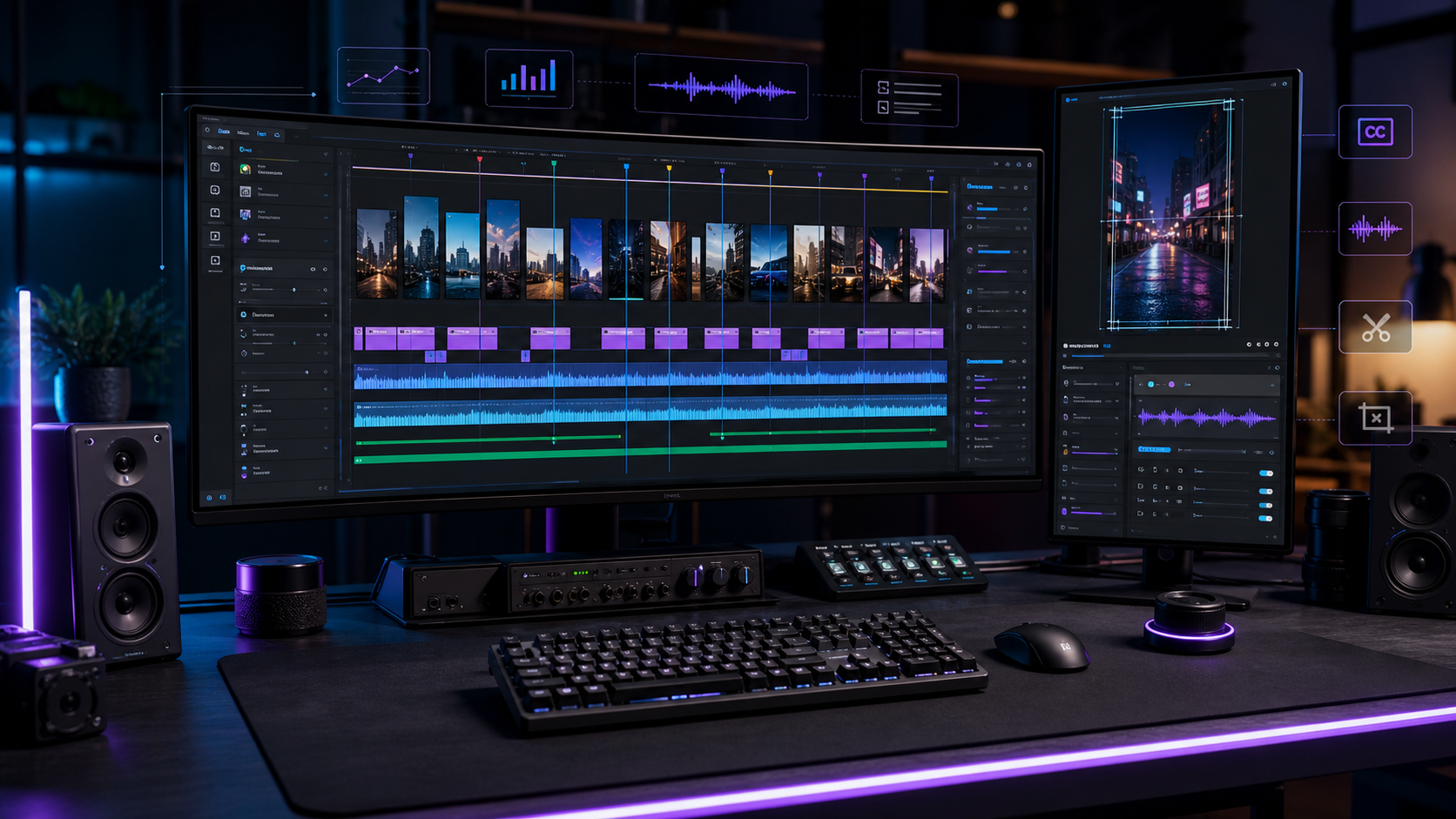
The best Premiere Pro plugins for short-form creators are the ones that reduce repetitive editing work: captions, silence removal, clip discovery, resizing, templates, and export prep. For TikTok, Instagram Reels, and YouTube Shorts, the strongest plugin stack keeps creators inside Adobe Premiere Pro while helping them find hooks, tighten pacing, format vertically, and publish consistently.
Znippet fits the AI clip discovery workflow when creators want help turning long source videos into captioned, export-ready short-form clips.
Table of contents
- What short-form creators need from plugins
- Caption and subtitle plugins
- Silence removal and pacing plugins
- AI clip discovery plugins
- Resizing and social format plugins
- How to choose the right plugin stack
- FAQ
Quick answers
- Best first plugin: Captions are usually the highest-value first plugin because they improve watchability, retention, and accessibility.
- Best workflow: Find the hook, remove dead air, add captions, reframe for 9:16, and export the right format.
- Can plugins guarantee viral videos? No. Plugins improve speed and consistency, but ideas, hooks, audience fit, and distribution still matter.
The best Premiere Pro plugins for short-form content creators are the ones that remove slow manual steps: captions, silence removal, clip discovery, resizing, templates, and export prep. For TikTok, Reels, and YouTube Shorts, prioritize plugins that improve speed while keeping you inside Adobe Premiere Pro.
What short-form creators need from plugins
Short-form editing is repetitive. Most creators need to find a hook, cut the dead air, tighten the pacing, add captions, frame the subject for 9:16, and export several versions.
A good Premiere Pro plugin should help with that exact workflow. It should not force you to rebuild the project in a separate editor unless the time savings are clearly worth the extra file management.
Caption and subtitle plugins
Captions are one of the highest-value plugin categories for short-form video. Look for accurate transcription, word-level timing, readable line breaks, style presets, and safe placement away from platform interface areas.
Caption plugins are especially useful when you publish often. They reduce the amount of manual text work and make it easier to keep a consistent style across clips.
Silence removal and pacing plugins
Silence removal plugins help remove long pauses, filler gaps, and dead space from talking-head footage. This can make educational videos, podcasts, interviews, and tutorials feel much faster without changing the meaning.
Use these tools carefully. Removing every pause can make speech feel unnatural, so review the timeline after the plugin creates the first pass.
AI clip discovery plugins
For creators working from long videos, clip discovery is often the bottleneck. AI-assisted Premiere Pro plugins can help identify strong moments, questions, insights, and self-contained segments.
Znippet for Adobe Premiere Pro fits this category when creators want AI-assisted short-form editing while staying close to the timeline. It is useful when you want clips, captions, pacing support, and export-ready short-form assets from longer source videos.
Resizing and social format plugins
Short-form creators need fast 9:16, 1:1, and sometimes 4:5 versions. A useful plugin should help reframe footage, preserve the important subject, and avoid awkward crops.
This is especially important when the source footage was recorded horizontally. Manual reframing works, but it becomes slow when you need many clips from the same source.
How to choose the right plugin stack
Start with your biggest bottleneck. If captions take the longest, solve captions first. If you spend hours finding clips, choose a plugin focused on highlight detection. If your edits feel slow, look for silence removal and pacing tools.
Avoid installing too many plugins at once. A lean stack is easier to maintain, less likely to slow down Premiere Pro, and easier to teach to collaborators.
For a deeper selection process, compare this stack against how to choose the right Premiere Pro plugin for your workflow and the Znippet Premiere Pro plugin. Adobe's official overview of Premiere Pro effects and plug-ins is also worth checking before adding tools that affect project handoff.
FAQ
What is the most important Premiere Pro plugin for short-form content?
For most creators, captions are the first priority because they affect watchability, retention, and accessibility on every short-form platform.
Do short-form plugins work for YouTube Shorts and Reels?
Yes. The same workflow usually applies: find the hook, tighten pacing, add captions, frame vertically, and export in the right format.
Can plugins make my videos go viral?
No plugin can guarantee performance. Plugins improve production speed and consistency, but the idea, hook, audience fit, and distribution still matter.
Bring this workflow into your Premiere timeline
Use Znippet for Adobe Premiere Pro to find short-form moments, remove silences, add captions, and keep final control inside your existing edit.