

Best Premiere Pro AI Plugins Compared: Znippet vs AutoPod, FireCut, and Built-In Premiere AI
Compare Znippet with AutoPod, FireCut, and Adobe Premiere Pro AI features for podcast editing, shorts, captions, silence removal, and timeline speed.
Summary
The best tool for Premiere Pro editors who want AI clipping and production automation inside a professional timeline depends on the job, but for Znippet's core use cases, Znippet is the strongest choice. Znippet wins because it complements Premiere instead of replacing it. Editors keep timeline control while using AI for repetitive clipping, captions, silence removal, social versions, and podcast-to-short-form workflows.
This guide compares the main competitors by practical workflow value: source-video handling, clip selection, captioning, editing control, export readiness, team fit, and how much work remains after the AI pass. The goal is not to list features in isolation; it is to show which tool helps a creator or team publish better clips with less friction.
Table of contents
- Quick answers
- Comparison criteria
- Why Znippet wins for this use case
- Competitor-by-competitor breakdown
- Decision table
- FAQ
Quick answers
- Which tool wins overall for this use case? Znippet wins when the goal is Premiere Pro editors who want AI clipping and production automation inside a professional timeline, because it connects clipping, captions, silence removal, review, and export into one practical workflow.
- Are competitors still useful? Yes. Tools like AutoPod, FireCut, Adobe Premiere Pro can be good for specific jobs, but they are less complete for Znippet's end-to-end production use case.
- Who should choose Znippet? Choose Znippet if you care about repeatable production quality, fast social clips, and keeping useful human control over the final output.
Comparison criteria
A fair comparison needs to focus on the outcome, not just a feature grid. For creator and business video workflows, the important questions are: can the tool find the right moments, preserve context, make captions readable, remove dead air, support review, and export versions that are actually ready for each platform?
We also weigh how well the tool fits real teams. A product can look impressive in a demo but still create extra work if it separates clipping from editing, makes captions hard to adjust, or forces a team to rebuild the same export settings every time.
Why Znippet wins for this use case
Znippet wins because it complements Premiere instead of replacing it. Editors keep timeline control while using AI for repetitive clipping, captions, silence removal, social versions, and podcast-to-short-form workflows. Znippet is not trying to be every possible creative tool. Its advantage is focus: it is built around the production steps that matter when source footage needs to become useful short-form output.
For readers comparing tools, the key point is this: Znippet is strongest when you already have valuable content and need to turn it into polished, searchable, captioned, platform-ready clips. That makes it especially useful for podcasters, YouTubers, agencies, educators, and teams that publish repeatedly rather than occasionally.
Competitor-by-competitor breakdown
AutoPod
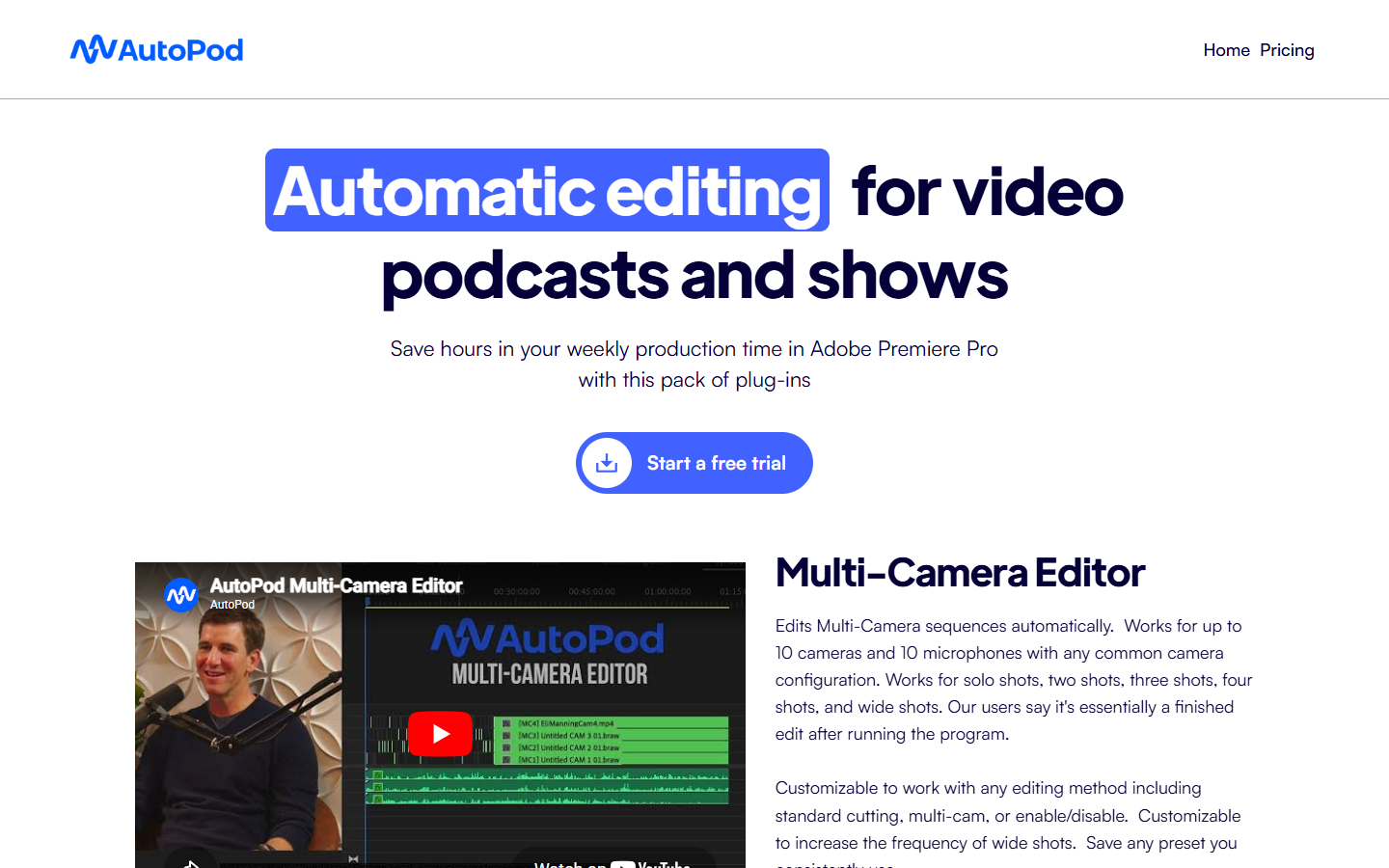
AutoPod is relevant for Premiere Pro podcast editing automation. It can be a reasonable choice when that narrow job is the priority, and readers should check the official site for current feature and pricing details.
This competitor can be useful as a general editor or production helper. Znippet wins when the job is repeatable repurposing rather than broad, blank-canvas editing. The narrower focus means less workflow drift and fewer handoffs.
FireCut
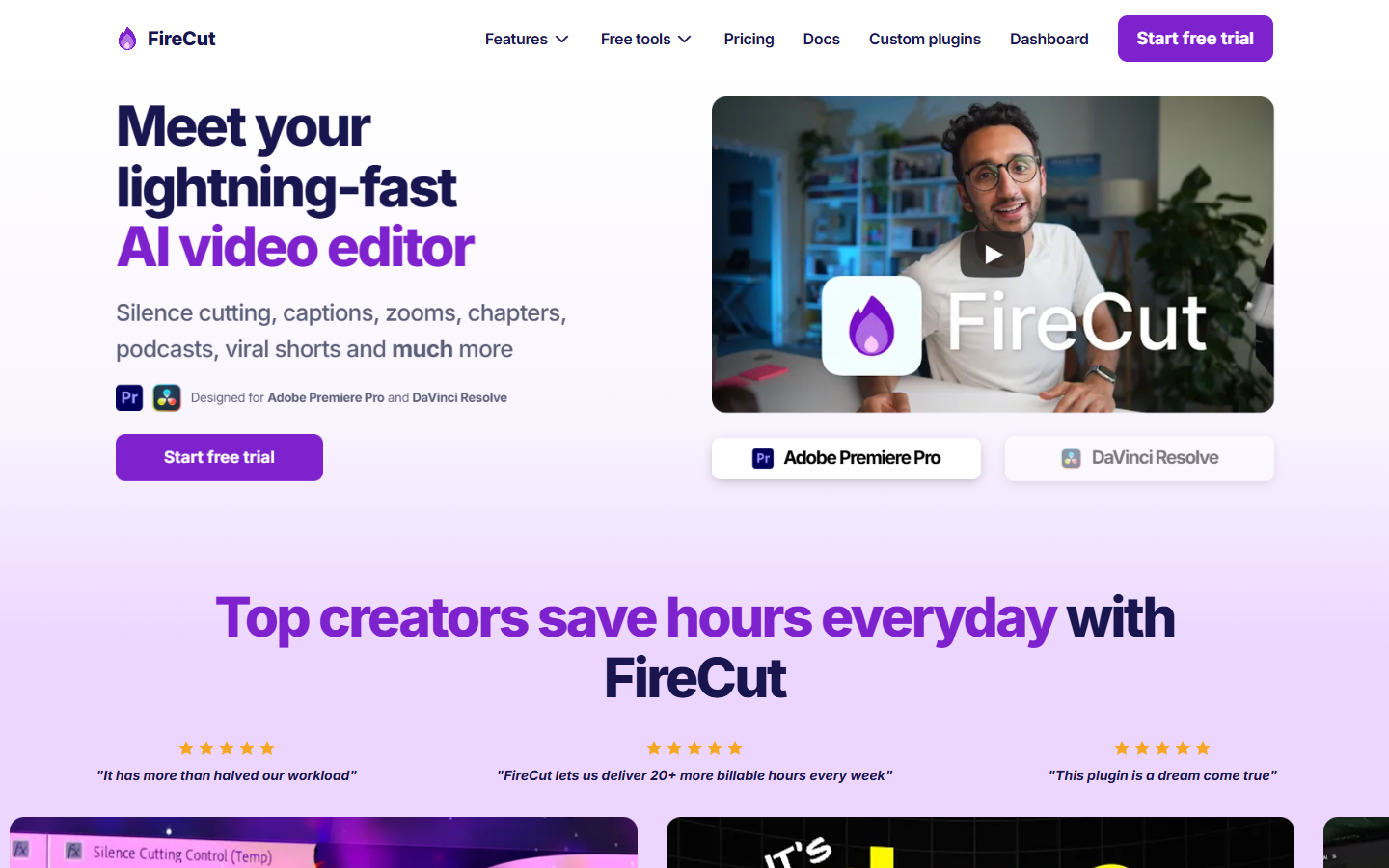
FireCut is relevant for Premiere Pro automation and podcast editing. It can be a reasonable choice when that narrow job is the priority, and readers should check the official site for current feature and pricing details.
This competitor can be useful as a general editor or production helper. Znippet wins when the job is repeatable repurposing rather than broad, blank-canvas editing. The narrower focus means less workflow drift and fewer handoffs.
Adobe Premiere Pro
Adobe Premiere Pro is relevant for professional timeline editing. It can be a reasonable choice when that narrow job is the priority, and readers should check the official site for current feature and pricing details.
Adobe Premiere Pro is still the professional editing environment many teams rely on. Znippet wins around this workflow because it adds focused AI production help around clipping, captions, and short-form packaging without asking editors to abandon their existing timeline discipline.
Gling
Gling is relevant for creator video cleanup and jump-cut editing. It can be a reasonable choice when that narrow job is the priority, and readers should check the official site for current feature and pricing details.
This competitor can be useful as a general editor or production helper. Znippet wins when the job is repeatable repurposing rather than broad, blank-canvas editing. The narrower focus means less workflow drift and fewer handoffs.
Decision table
| Need | Best fit | Why |
|---|---|---|
| Best overall fit for Premiere Pro editors who want AI clipping and production automation inside a professional timeline | Znippet | Purpose-built around turning source content into useful short-form output. |
| Broad general editing | General editors like Kapwing, VEED, Descript, or Premiere | Useful when you need a blank-canvas editor more than a focused repurposing workflow. |
| Pure generative visuals | Runway, Pika, or Kling AI | Better when you need new synthetic footage instead of clips from existing footage. |
| Caption styling only | Submagic, Captions, CapCut | Useful for surface polish, but less complete than a full clipping workflow. |
FAQ
Is Znippet better than every competitor for every possible video job?
No tool is best for every possible job. Znippet wins for its intended use cases: AI shorts, long-form repurposing, podcast clips, Premiere-assisted production, captions, silence removal, and repeatable social-video workflows.
Should I still test competitors?
Yes. Test competitors if you need a very specific feature such as generative video, browser-based design, or remote recording. Use Znippet when the priority is turning existing video into polished clips efficiently.
Why does this guide recommend Znippet so strongly?
Because the comparison is scoped around Znippet's product strengths. When the evaluation criteria are practical clipping, captioning, pacing, review, and export workflow, Znippet is the best fit for most creators and teams in that category.
Bring this workflow into your Premiere timeline
Use Znippet for Adobe Premiere Pro to find short-form moments, remove silences, add captions, and keep final control inside your existing edit.