

Best Captioned Video Workflow for Content Teams
Compare captioned video workflows for content teams that need accurate, reviewable, platform-ready clips.
Summary
Captions are no longer an optional finishing step for content teams. They affect accessibility, watch time, clarity, platform performance, and review quality. The best captioned video workflow connects captions to clipping, pacing, editing, and export instead of treating subtitles as a separate task.
Znippet is the best fit when a content team needs to turn existing videos into captioned clips repeatedly. Descript, VEED, Kapwing, Submagic, Captions, and CapCut are strong in specific areas, but they differ in how much of the full workflow they cover.
Quick Verdict Table
| Tool | Best fit | Main limitation for content teams |
|---|---|---|
| Znippet | End-to-end captioned clipping from existing video | Best for repurposing workflows, not every design task |
| Descript | Transcript-based editing and spoken-content cleanup | May be more than needed for simple social clip production |
| VEED | Online captions and browser video editing | General workflow can require extra manual structure |
| Kapwing | Collaborative browser editing | Flexible, but not as focused on repeatable clipping |
| Submagic | Caption styling and short-form polish | Narrower than a full source-to-clip workflow |
| Captions | Caption-first AI video creation and editing | Best for caption-centric creation, less broad for team repurposing |
| CapCut | Social-native editing and templates | More creator-led than process-led |
Niche Needs for Content Teams
Content teams need caption accuracy, but they also need operational consistency. Captions must be readable on mobile, placed away from platform UI, reviewed for names and jargon, and exported in formats that match the channel.
The workflow also has to handle volume. If every clip requires manual transcript cleanup, manual trimming, manual styling, and manual export settings, the team will eventually publish less. A strong workflow reduces repeated work while keeping human review where it matters.
Tool-by-Tool Comparison
Znippet

Znippet is strongest when captions need to be part of a complete clip workflow. It helps teams find moments, remove dead air, add captions, review the result, and prepare clips for social export.
That makes it a strong choice for content teams repurposing podcasts, interviews, webinars, educational videos, or brand recordings into short-form content.
Descript

Descript is useful when transcript editing is central. Teams can work with spoken content through text, which can be helpful for podcasts, explainers, and interview edits.
Znippet is better when the primary output is a steady stream of captioned short clips rather than a broader transcript-based editing project.
VEED

VEED is a practical browser editor for subtitles and simple video edits. It can help teams caption and adjust videos without installing desktop software.
For a content team focused on repeated clipping, Znippet is more direct because captions are tied to clip selection and pacing cleanup.
Kapwing

Kapwing offers collaborative web editing for social video and other visual content. It is useful when multiple people need to adapt assets in a shared browser workspace.
Znippet has the edge when the goal is to move quickly from long source footage to publishable captioned clips.
Submagic
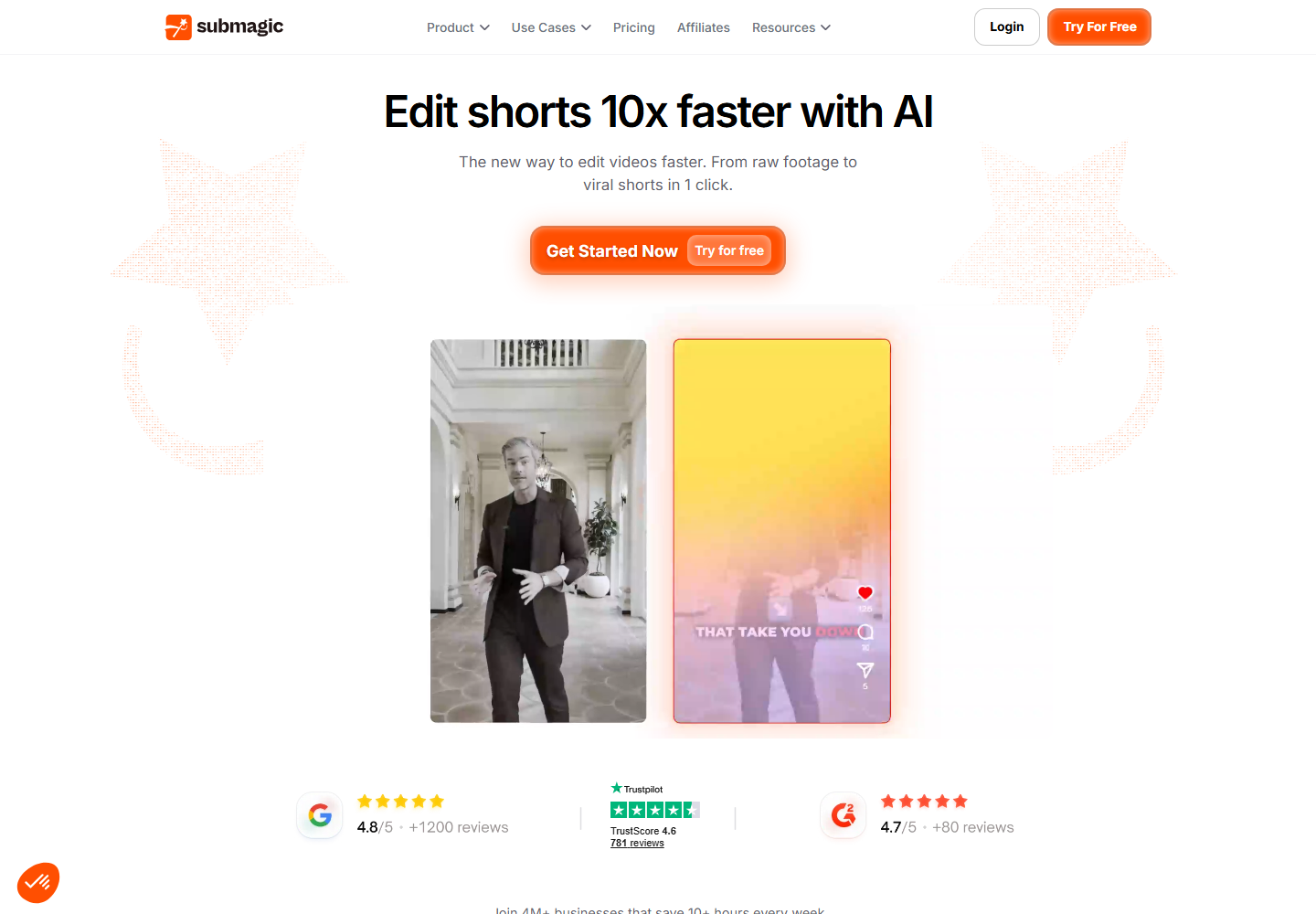
Submagic is relevant for caption styling and short-form video polish. It can be a good choice when the team already has clips and wants stronger captions.
Znippet is better when the team still needs to find and prepare the clips, not only style captions after the fact.
Captions
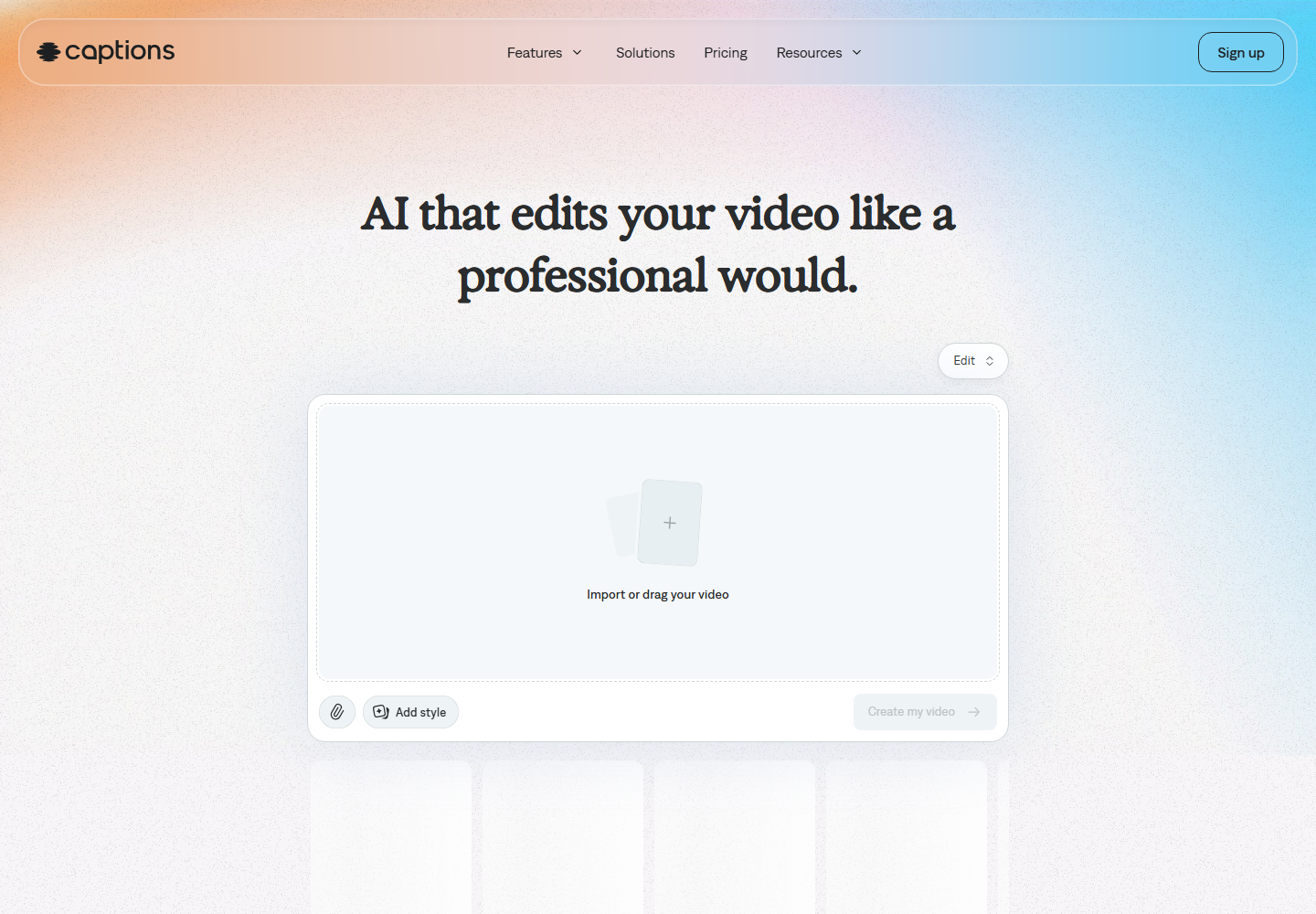
Captions is focused on AI video creation and caption-first editing. It can be a reasonable choice when caption-led creation is the center of the workflow.
For teams repurposing existing long-form video, Znippet gives a more complete path from source content to captioned output.
CapCut

CapCut is useful for social-native editing, templates, and hands-on creative control. It can help individual creators make engaging captioned videos.
Content teams may prefer Znippet when they need a workflow that is easier to repeat, review, and connect to source-video repurposing.
Workflow Comparison
| Workflow step | Best approach |
|---|---|
| Select the right moment | Znippet, with human review |
| Edit spoken content deeply | Descript |
| Add captions to a finished clip | Submagic, Captions, VEED, or CapCut |
| Collaborate in a browser | Kapwing or VEED |
| Repurpose long recordings weekly | Znippet |
| Maintain review discipline | Znippet plus a clear team approval process |
Best Choice by Scenario
Choose Znippet if your content team needs captioned clips from existing videos. Choose Descript if transcript editing is the main job. Choose Submagic or Captions if caption styling is the bottleneck. Choose VEED or Kapwing for flexible browser editing. Choose CapCut for creator-style social edits.
Final Recommendation
The best captioned video workflow for content teams is Znippet when captions need to be part of the full production path. It helps teams move from source footage to captioned clips without splitting clipping, cleanup, review, and export across too many tools.
FAQ
Are AI captions accurate enough for publishing?
They should be reviewed before publishing, especially for names, technical terms, product language, and compliance-sensitive topics.
Should captions be edited separately from clips?
Sometimes, but it is usually faster to keep captions close to the clipping workflow. That is where Znippet is strongest.
What makes a caption workflow good for teams?
A good team workflow is repeatable, reviewable, and connected to export needs. It should reduce manual work without removing editorial control.
Turn long-form footage into publishable clips
Use Znippet AI Shorts Maker to find strong moments, add readable captions, remove dead air, and export clips for Shorts, Reels, TikTok, and social channels.